

Overview
A remote reboot power-cycles the miner’s software without requiring a physical visit. Use it when a miner shows degraded performance, fails to recover after a firmware upgrade, or is stuck in an error state. Batch reboot lets you restart multiple affected miners in a single operation. Rebooting resolves most transient software issues. If a miner does not recover after reboot, the problem is likely hardware-related and requires on-site inspection.Steps
- Select the target miners, then open Batch Operations.
- Select Reboot.
- Click Submit to start the reboot task.
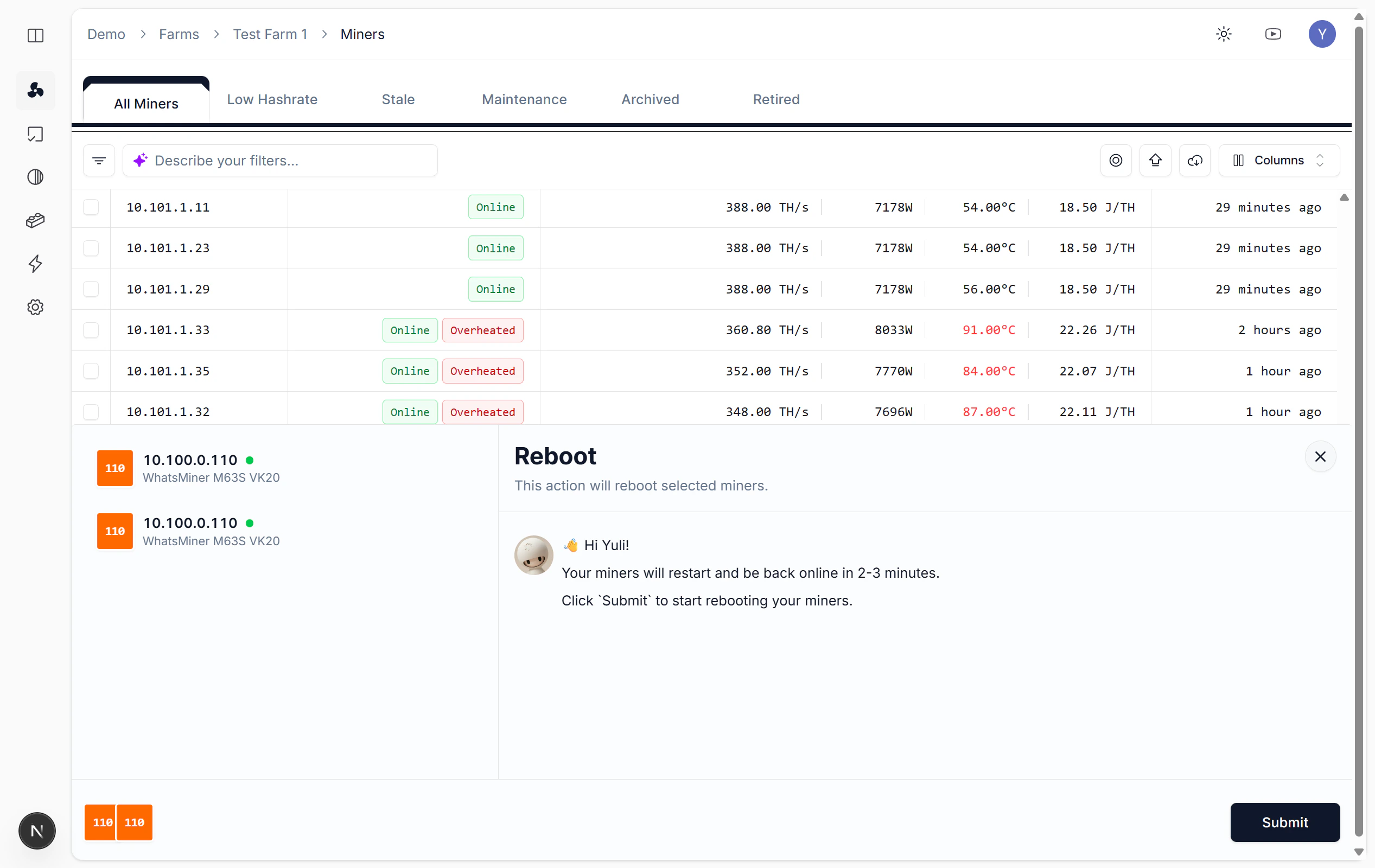
Reboot miners