

Overview
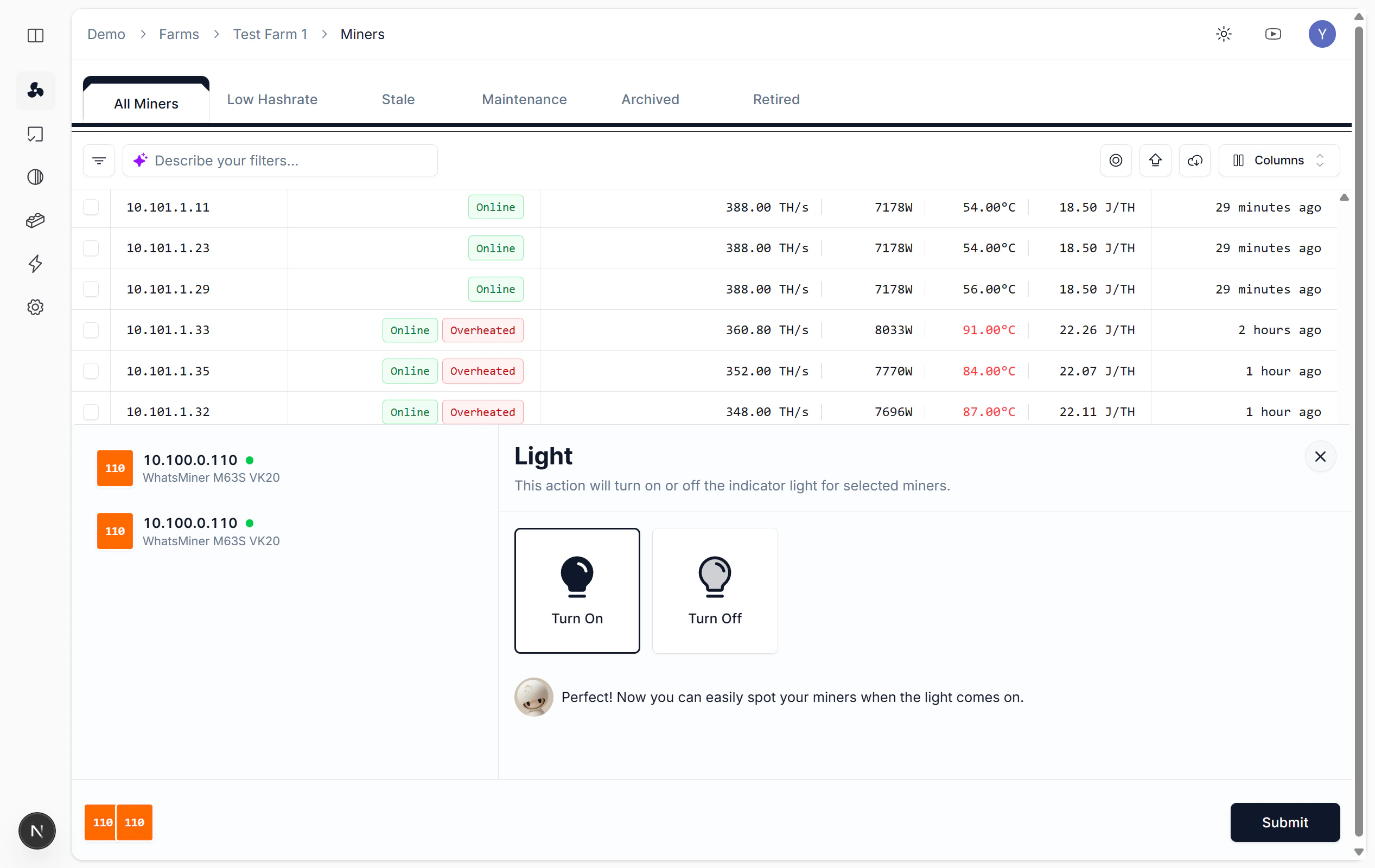
The indicator light command flashes a miner’s physical LED, making it easy to locate among hundreds of identical units in a datacenter rack. This is essential before on-site maintenance such as replacing a hash board, reconnecting cables, or swapping a faulty unit. The light stays on until you explicitly turn it off or submit a new Light Off task.Steps
- Select the target miners, then open Batch Operations.
- Select Light and choose On.
- Click Submit to create the task.
Locate physical miner