Nonce home page
English
Search...
⌘K
Support
App
App
Search...
Navigation
Management
Pool
User Guide
API Guide
API Reference
Getting Started
Overview
Log in to Nonce
Create a Workspace
Set Up a Farm
View Farm Overview
Next Steps
Operations
Overview
Query
Management
Scan
Power
Firmware
Reboot
Light
Pool
Automation
Roles & Permissions
Permissions Overview
4 Concepts You Need First
Role Overview
Permission Matrix
Invite Members and Assign Farms
Common Scenarios
FAQ
Reference
Agent Hardware Requirements
How Agent Scan Works
Agent Scan Troubleshooting
Supported Miners and Firmware
FAQ
On this page
Steps
Management
Pool
Copy page
Batch modify pool connections
Copy page
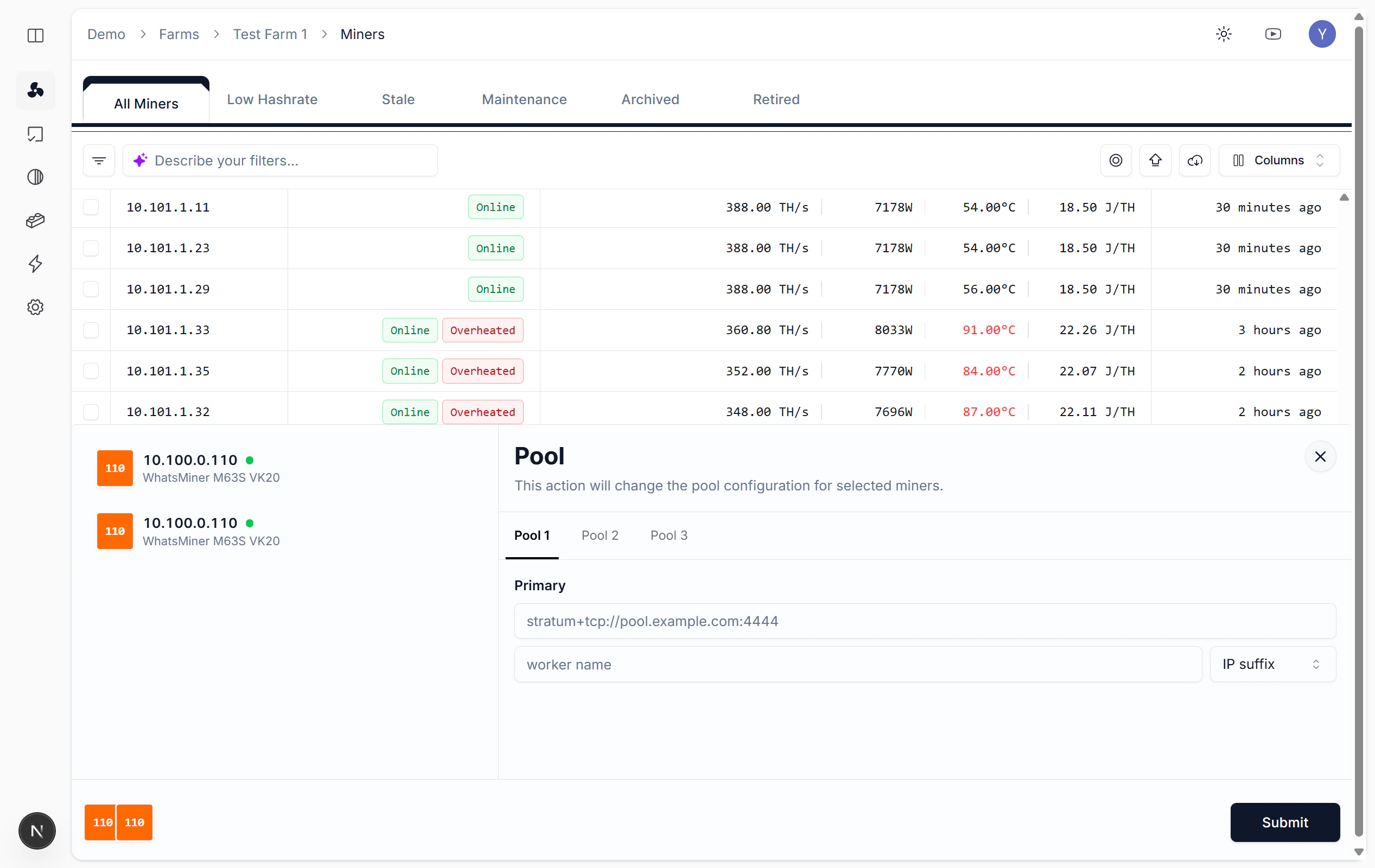
Batch update pool connections when switching pools or changing Worker config.
Steps
Batch operations → Select
Pool
→ Pick primary/backup pools, enter URL and Worker Name → Submit.
Light
Overclock/Underclock
⌘I