

Steps
- Select the target miners, then open Batch Operations.
- Select Model and choose the target power mode.
- Click Submit to apply the change.
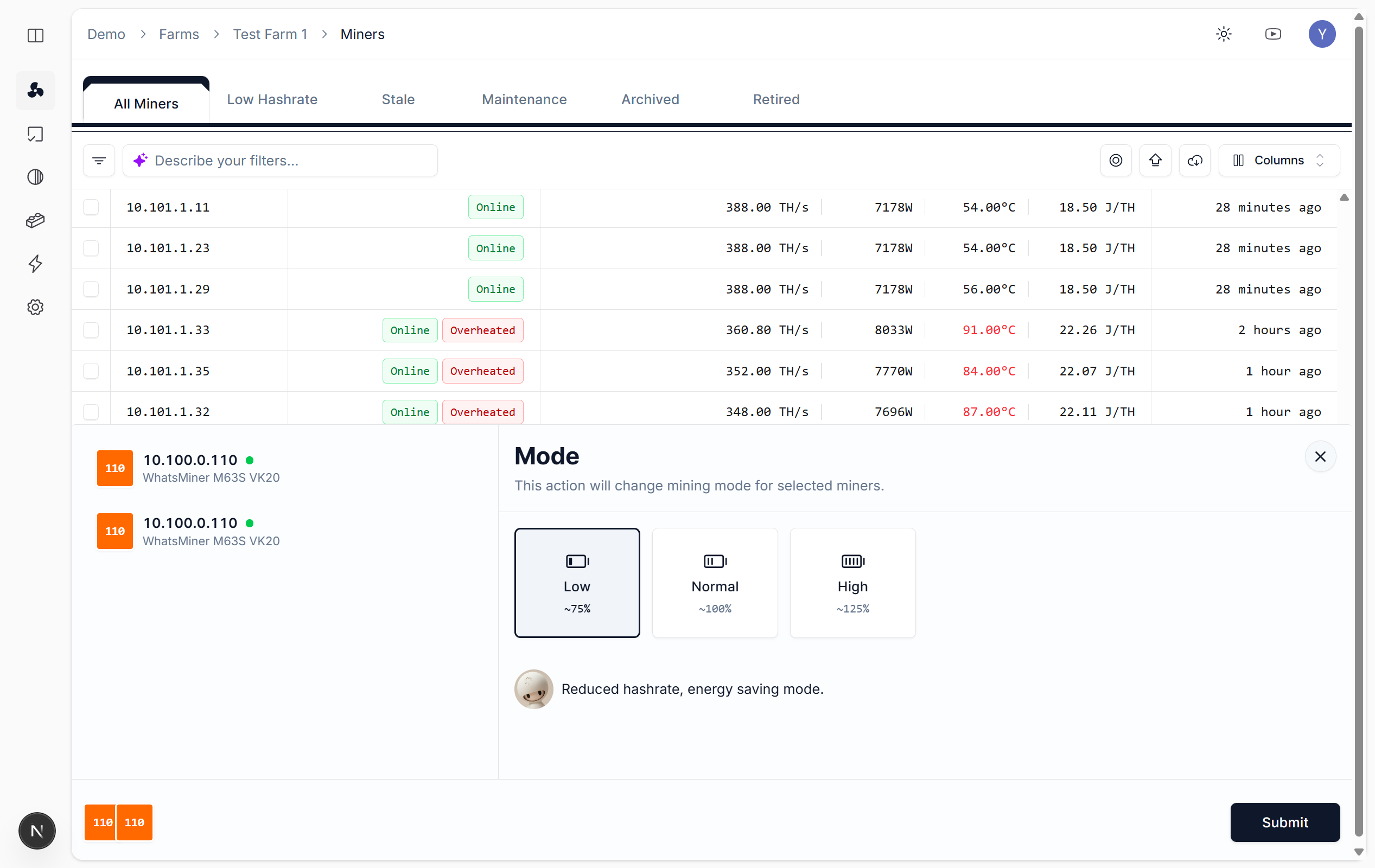
Switch power mode
Power Modes
Notes
- High temp: Prefer underclock or normal to avoid overheating
- Batch operations: Select miners and switch together; track results in Tasks
- Auto underclock: Configure Overclock/Underclock (Automation) for automatic recovery to normal when over temp