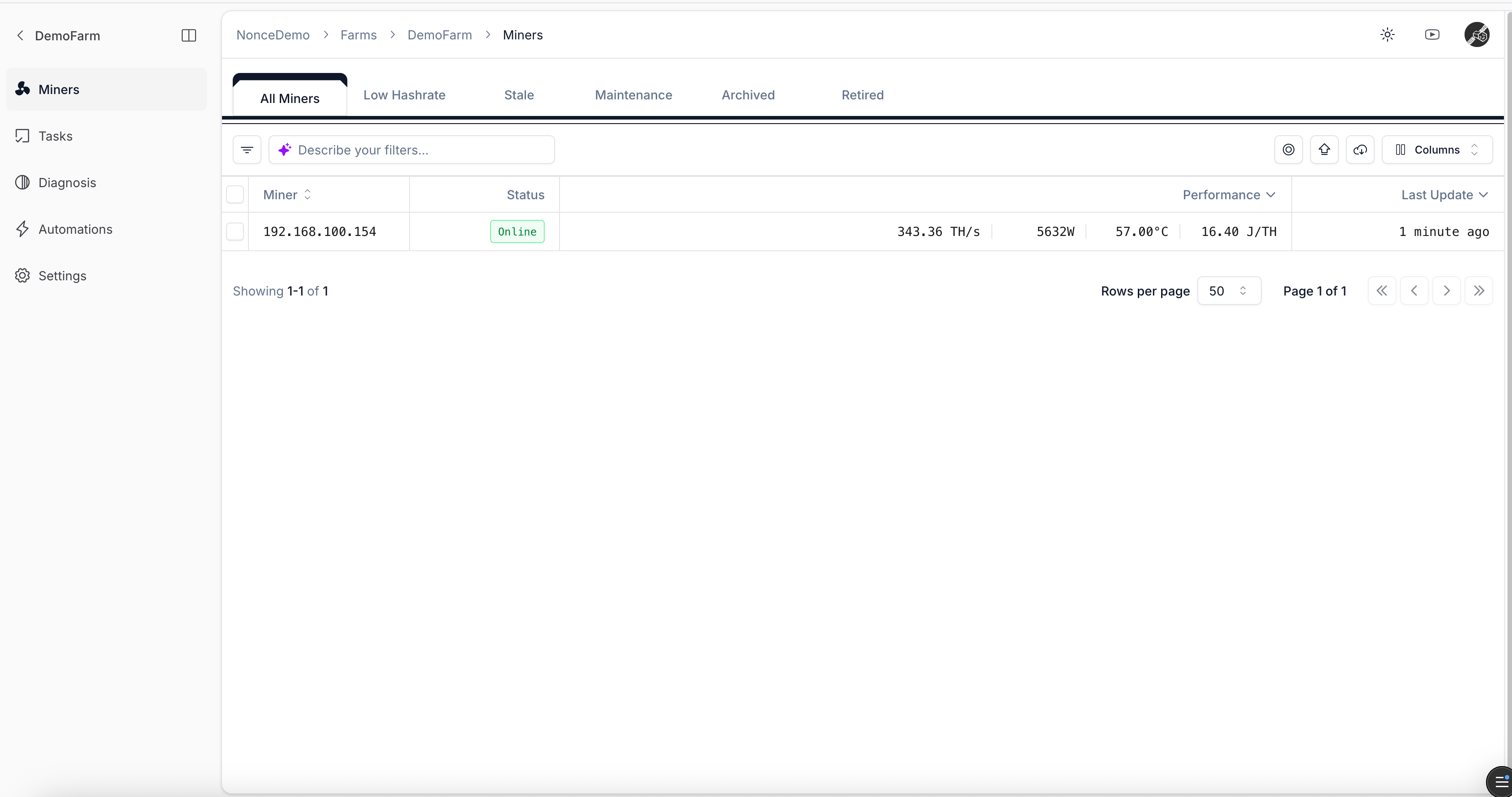
Use this guide while setting up a farm.
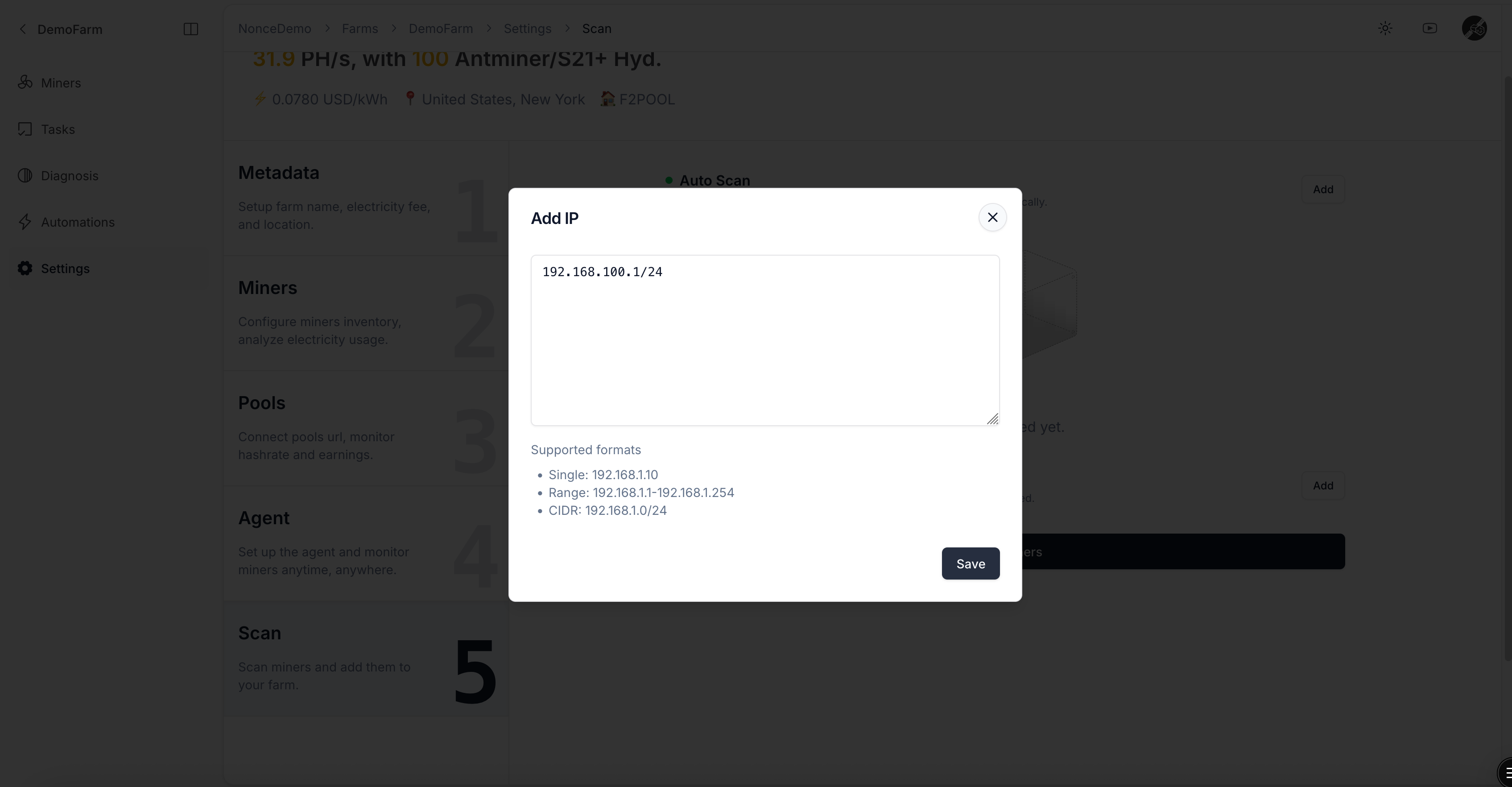
  • Use the Add action to enter the IP range where miners are located.
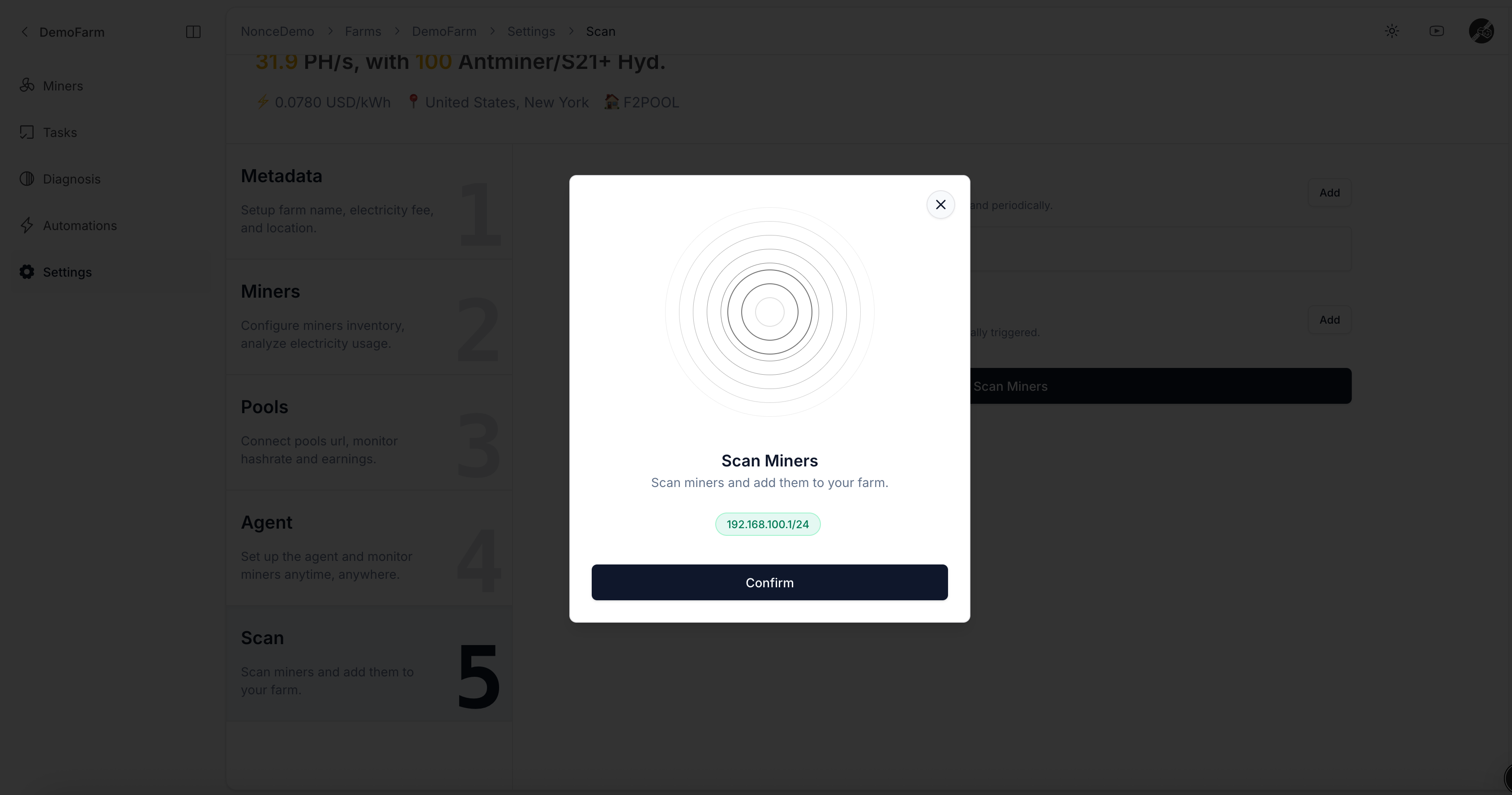
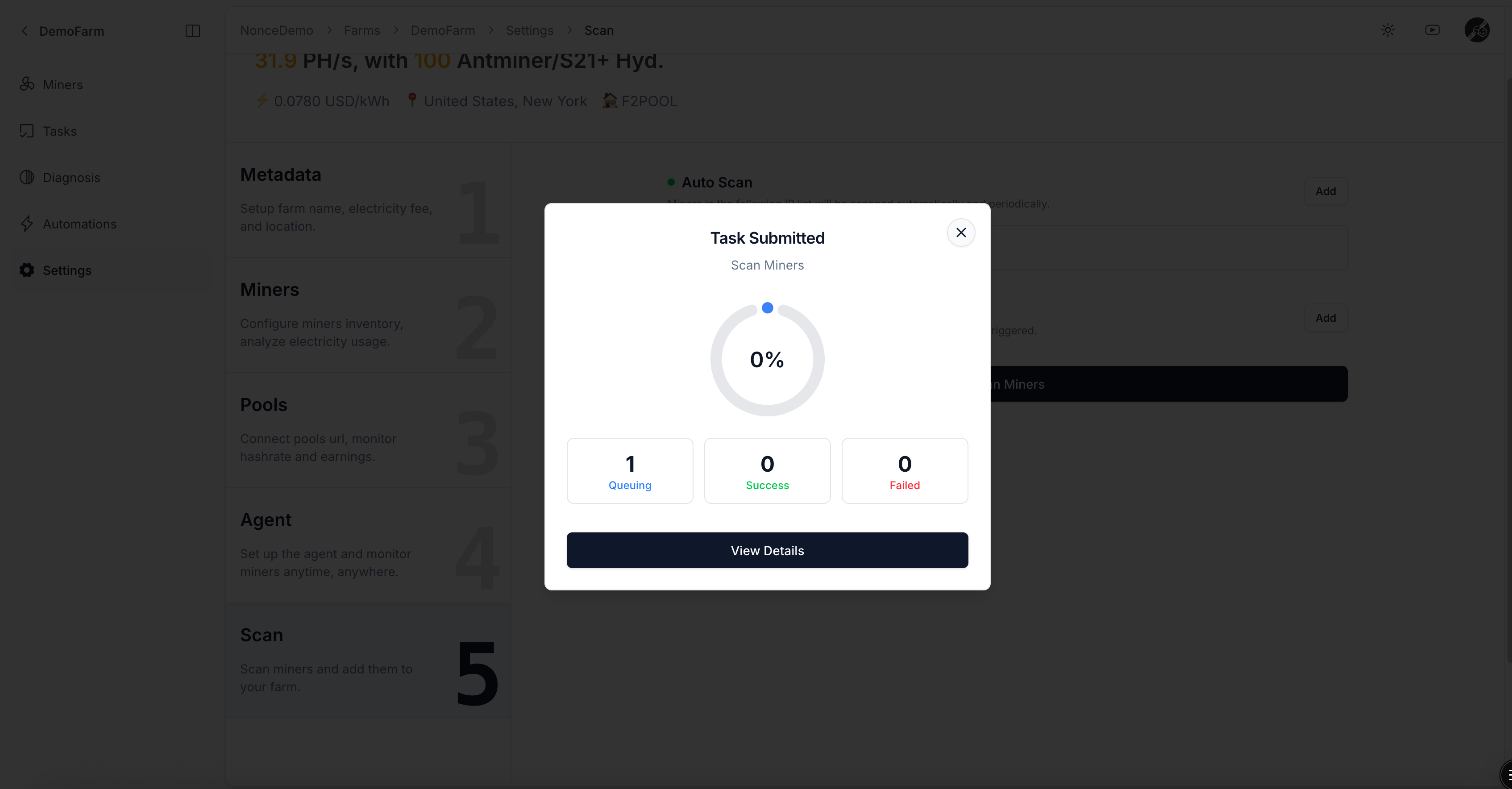
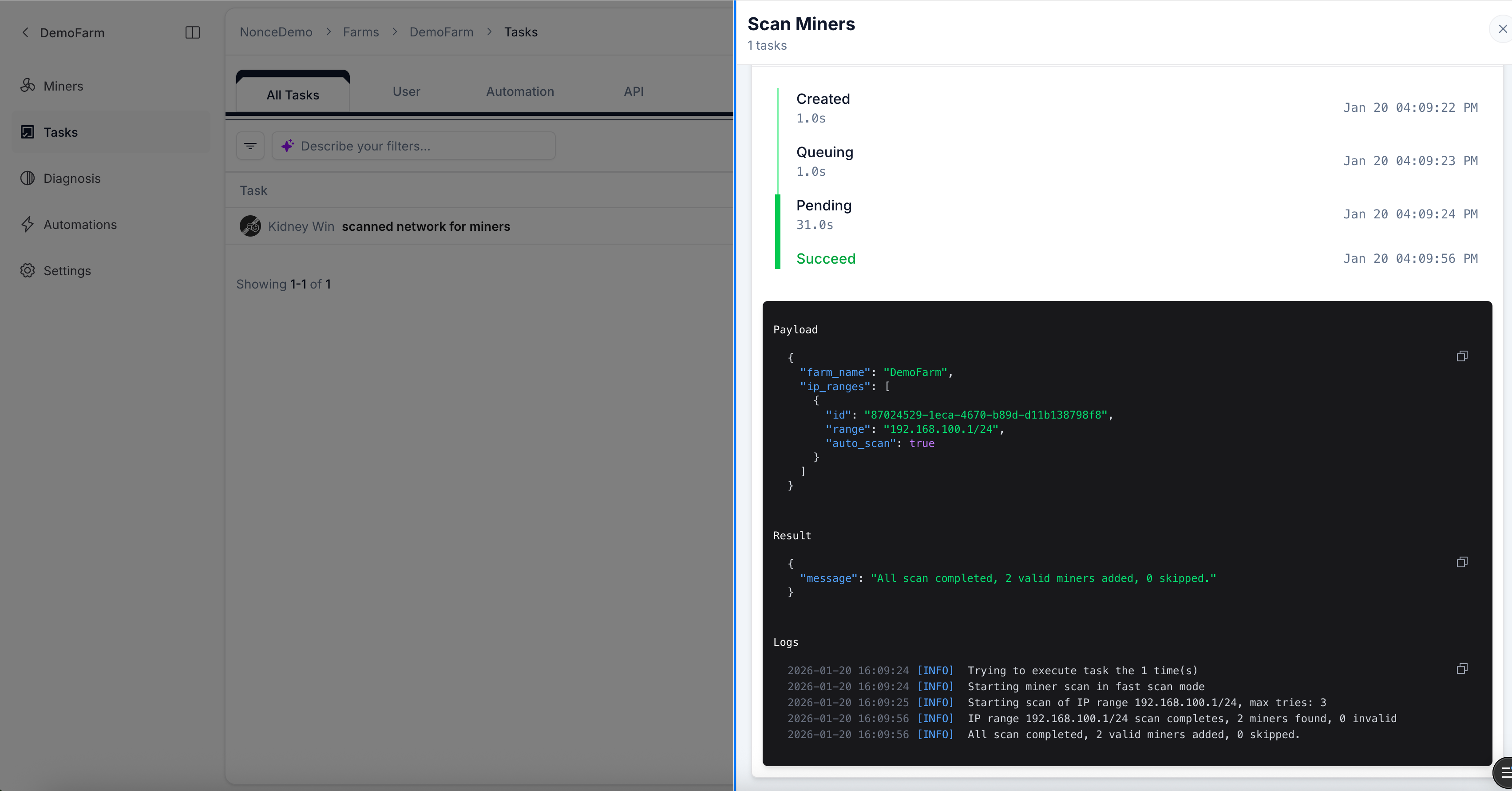
  • After saving, click Scan to trigger a discovery Task.
IP ranges saved under Auto Scan will be scanned on schedule, automatically discovering new hardware.
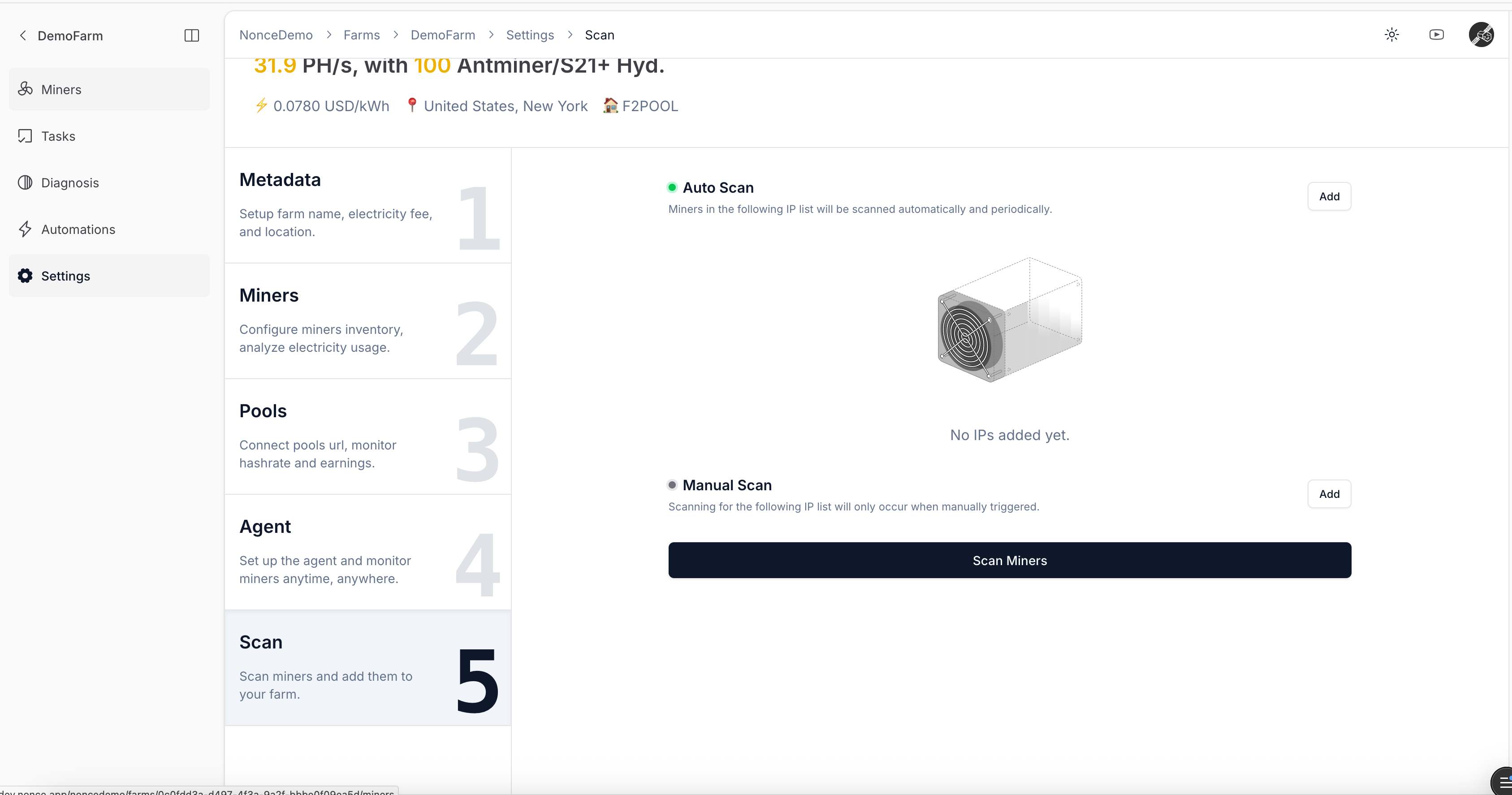
Ensure the host running Agent can access all miners over the network, otherwise the discovery Task will fail.
If miners use custom passwords, review FAQ and configure Agent before starting the scan.
IP range list
Dialog for entering IP range
Scan miners dialog
Scheduled scan Task preview
Scan Task success notification
Discovered miner list
Continue to View Farm Overview.