Nonce home page
English
Search...
⌘K
Support
App
App
Search...
Navigation
Set Up a Farm
Create a Farm
User Guide
API Guide
API Reference
Getting Started
Overview
Log in to Nonce
Create a Workspace
Set Up a Farm
Create a Farm
Enter Farm Basic Information
Select Miner Model and Quantity
Add Pool Observer Data (Optional)
Install Nonce Agent
Scan Network to Discover Miners
View Farm Overview
Next Steps
Operations
Overview
Query
Management
Automation
Roles & Permissions
Permissions Overview
4 Concepts You Need First
Role Overview
Permission Matrix
Invite Members and Assign Farms
Common Scenarios
FAQ
Reference
Agent Hardware Requirements
How Agent Scan Works
Agent Scan Troubleshooting
Supported Miners and Firmware
FAQ
On this page
Create a Farm Sub-steps
Set Up a Farm
Create a Farm
Copy page
Overview of the farm setup sub-steps in the setup wizard
Copy page
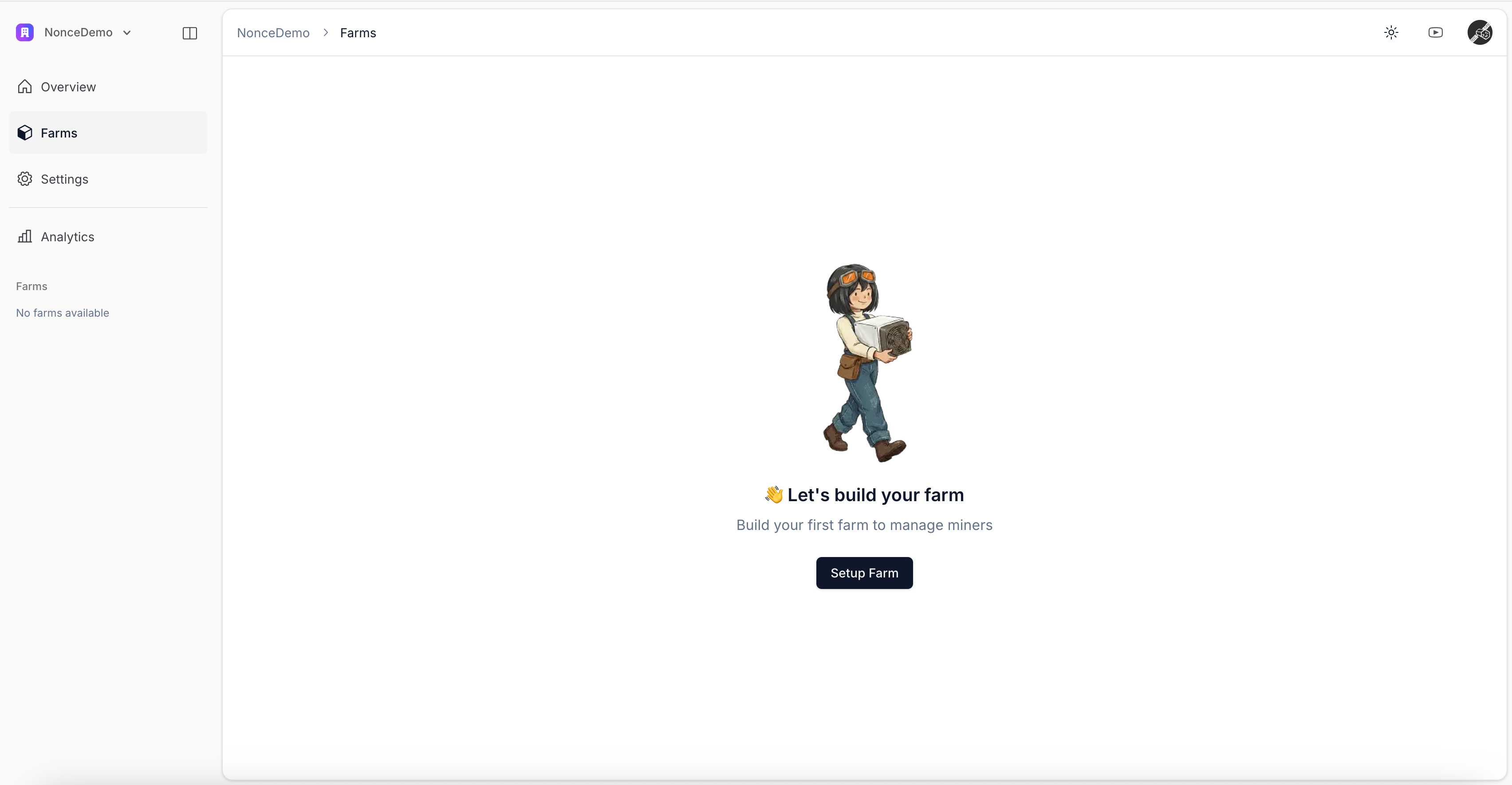
A farm is a logical grouping of miners that share power, network, or geographic location. Click
Setup Farm
in the
Farms
tab to open the wizard.
Create a Farm Sub-steps
Enter Farm Basic Information
Select Miner Model and Quantity
Add Pool Observer Data (Optional)
Install Nonce Agent
Scan Network to Discover Miners
After completing all sub-steps, continue to
View Farm Overview
.
Create a Workspace
Enter Farm Basic Information
⌘I