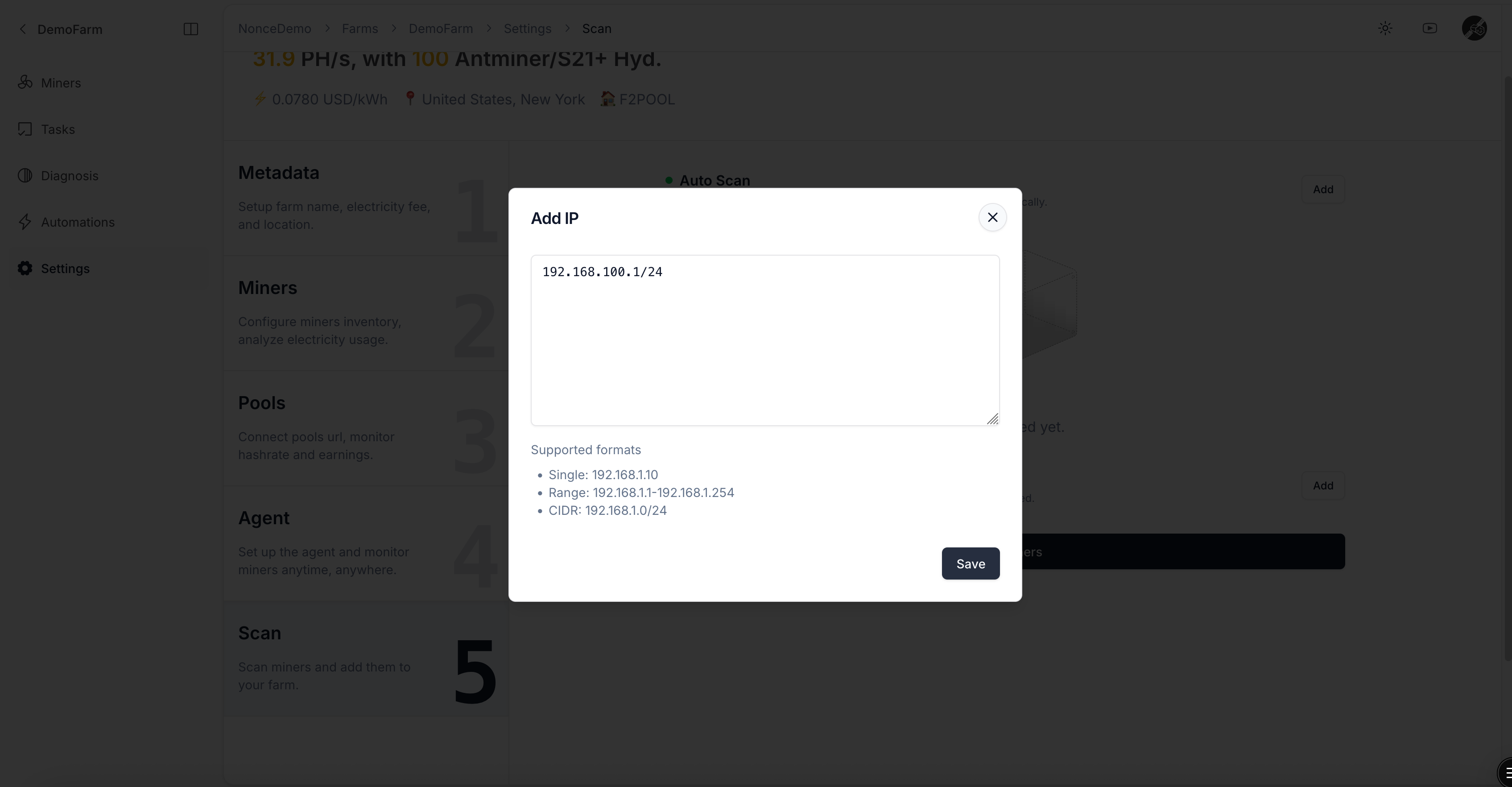
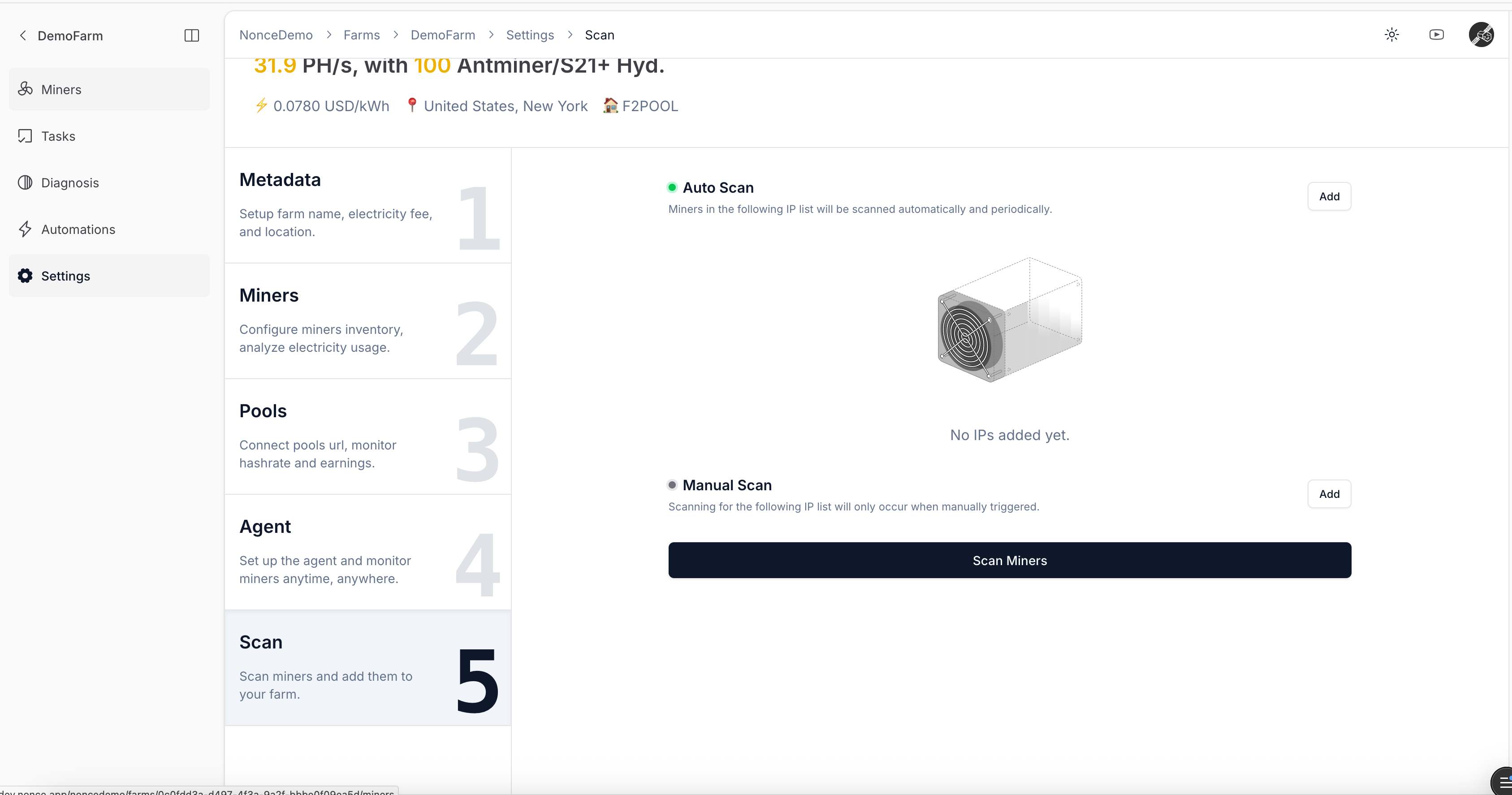
1. Use the Add action to enter the IP range where miners are located.
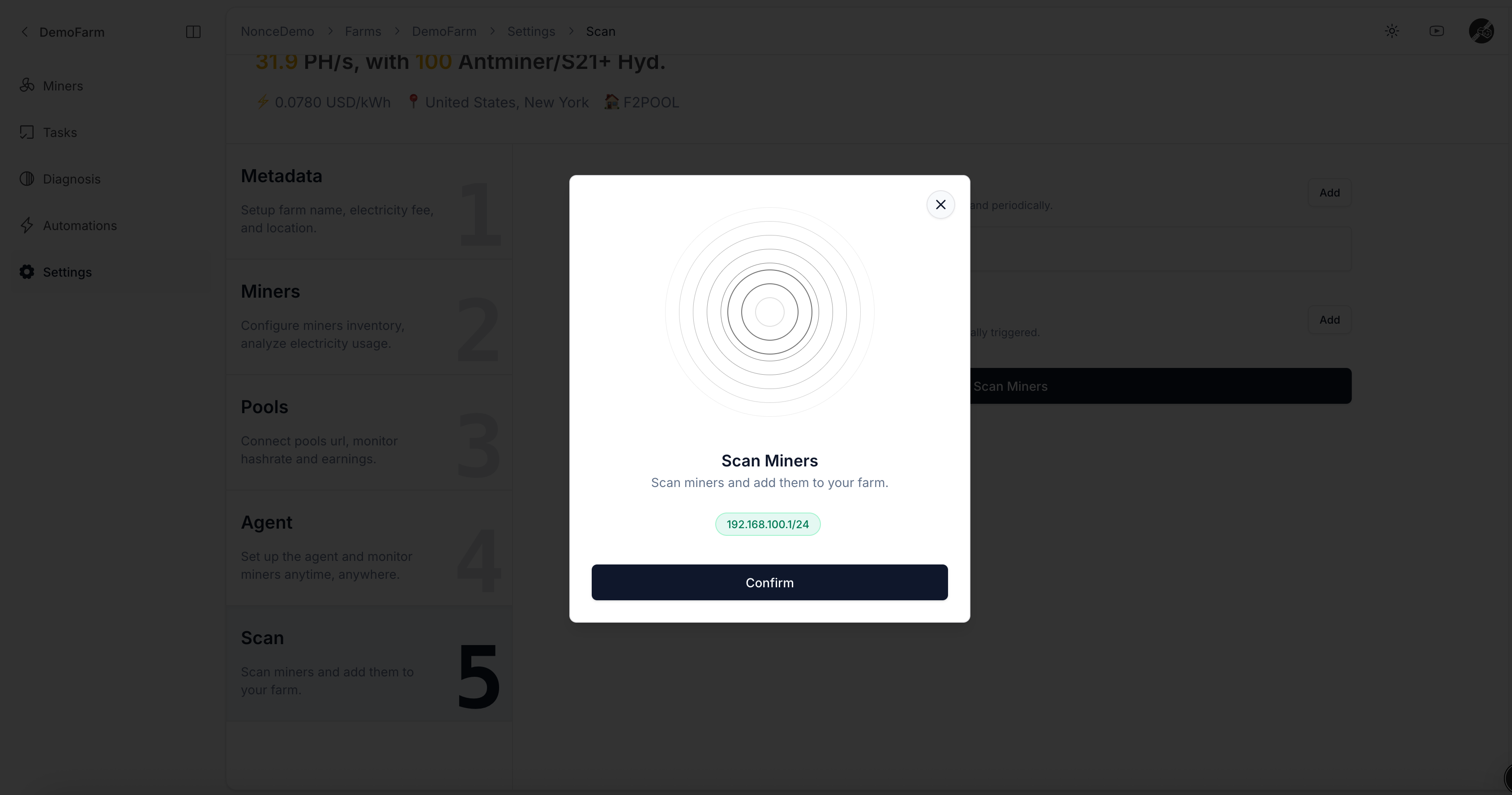
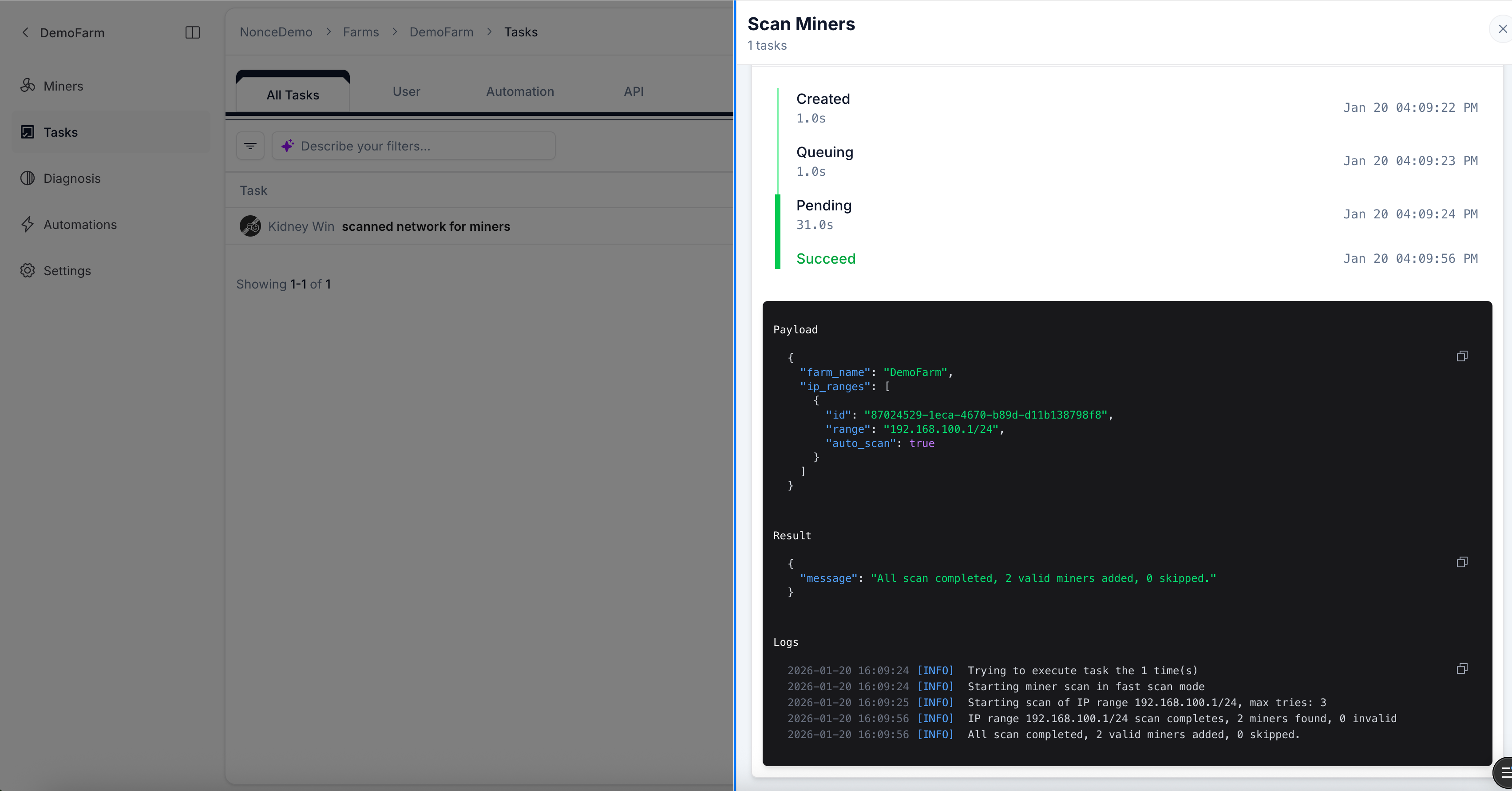
  2. After saving, click Scan to trigger a discovery Task.
IP ranges saved under Auto Scan will be scanned on schedule, automatically discovering new hardware.
Ensure the host running Agent can access all miners over the network, otherwise the discovery Task will fail.
If miners use custom passwords, review FAQ and configure Agent before starting the scan.
IP range list

Add IP range for miner scanning

Dialog for entering IP range

Add IP range dialog

Scan miners dialog
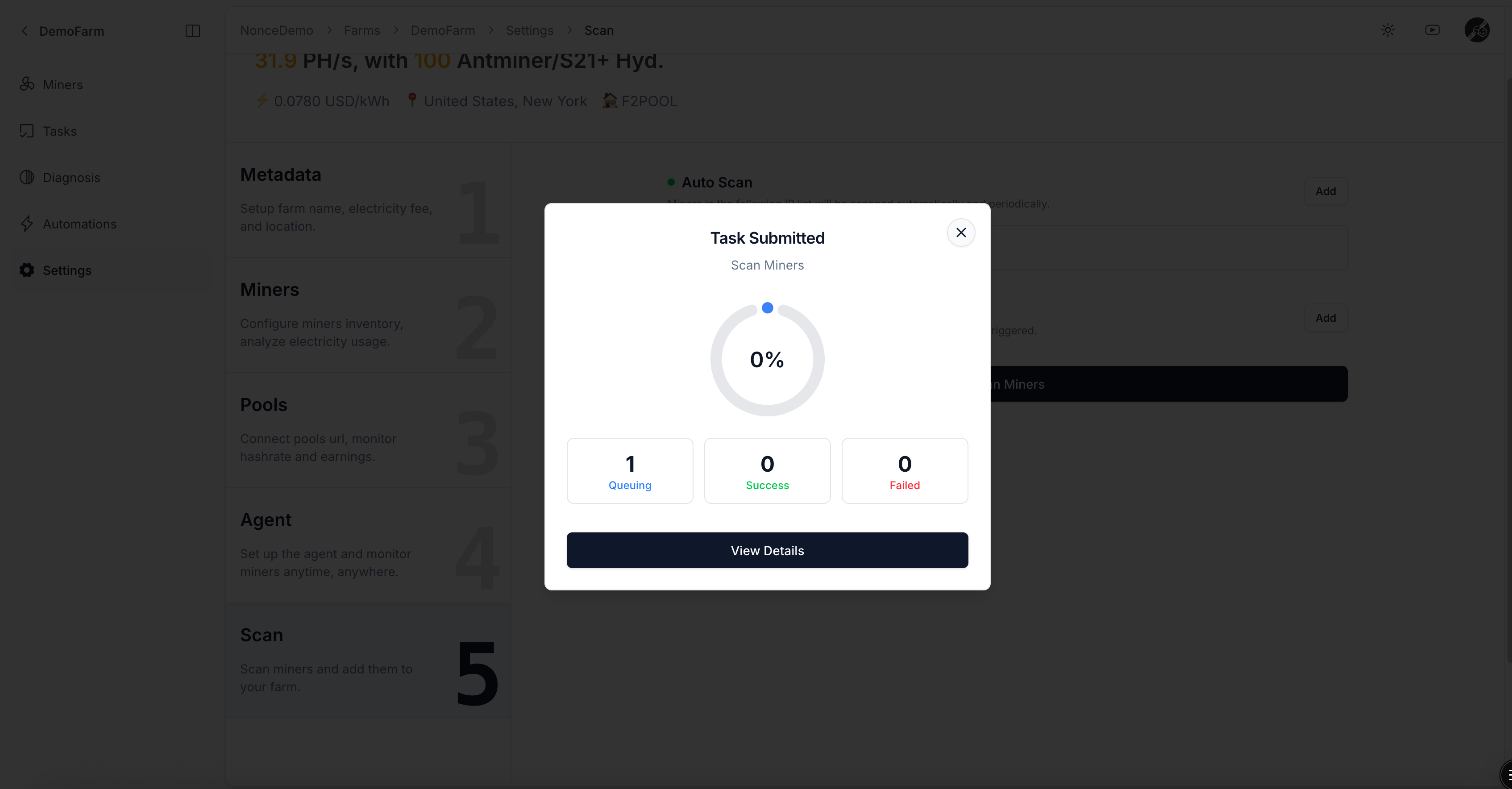
Scan miners dialog

Scheduled scan Task preview

Task preview

Scan Task success notification

Scan Task executed successfully

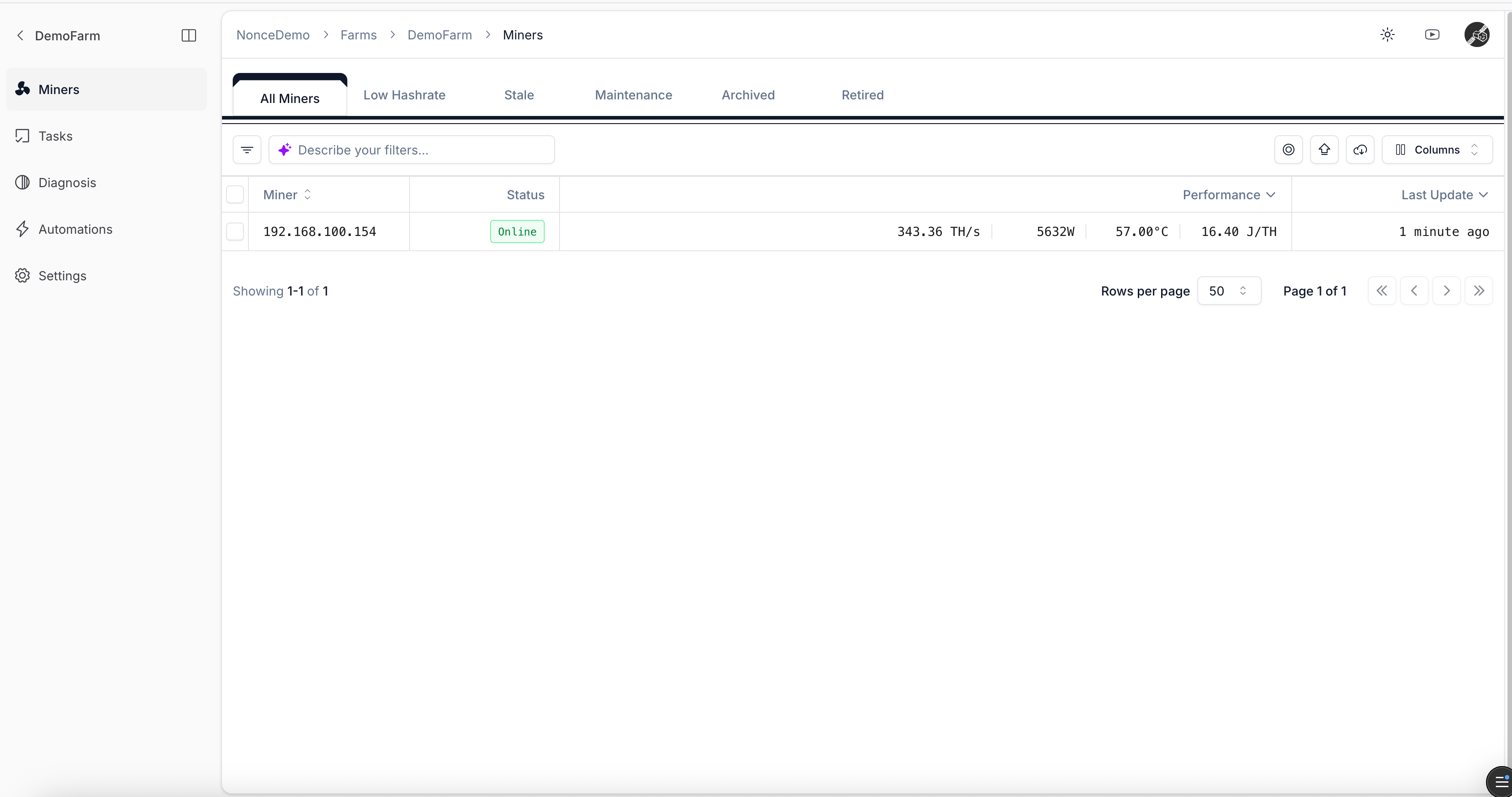
Discovered miner list

Miner list

Continue to View Farm Overview.