> ## Documentation Index
> Fetch the complete documentation index at: https://docs.nonce.app/llms.txt
> Use this file to discover all available pages before exploring further.
# 登录 Nonce
> 登录 nonce.app,开始上手配置
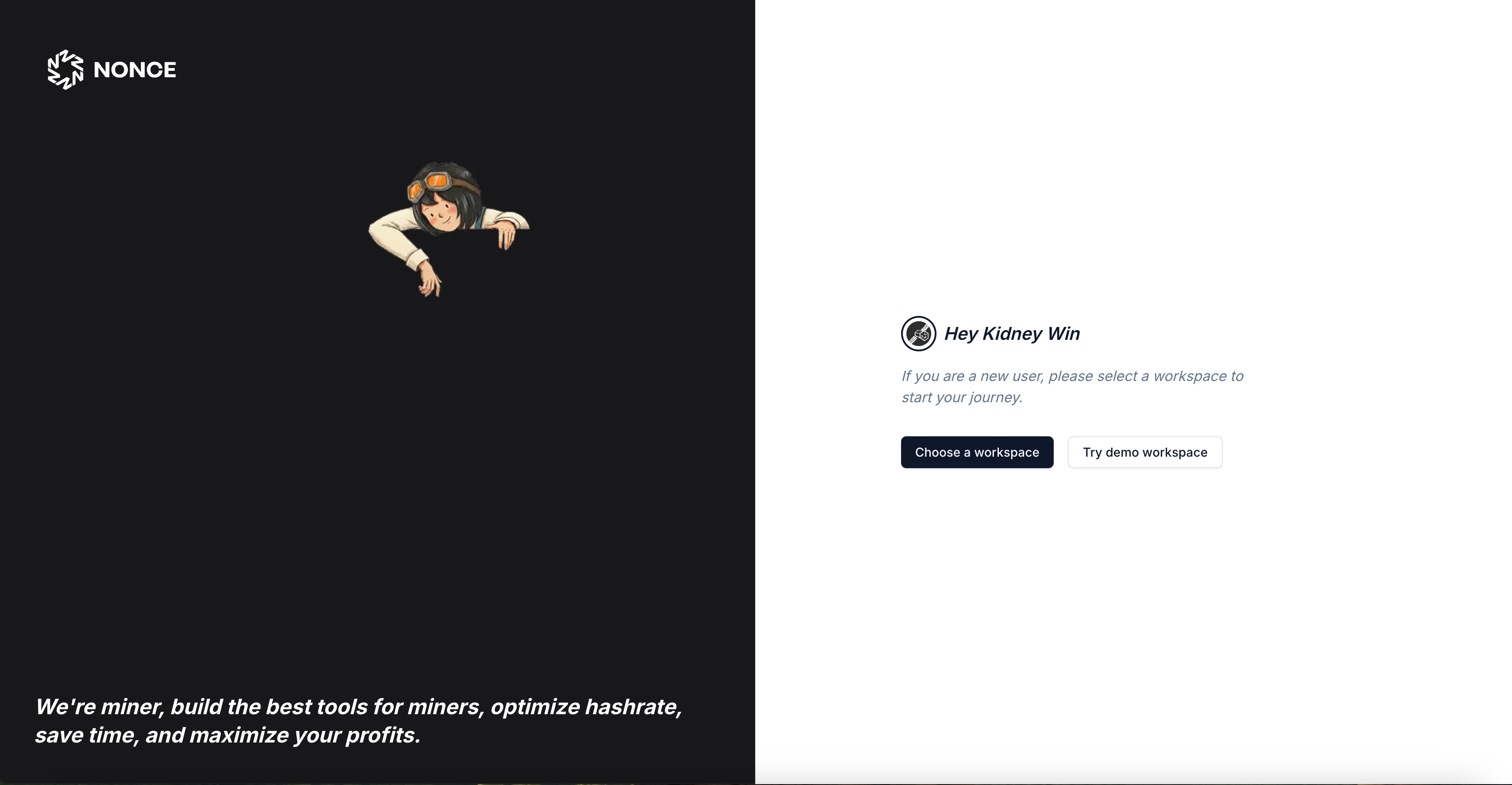
1. 先在 [nonce.app](https://nonce.app) 登录账号。
 继续阅读 [创建工作区](/zh/user-guide/onboarding/create-workspace)。