> ## Documentation Index
> Fetch the complete documentation index at: https://docs.nonce.app/llms.txt
> Use this file to discover all available pages before exploring further.
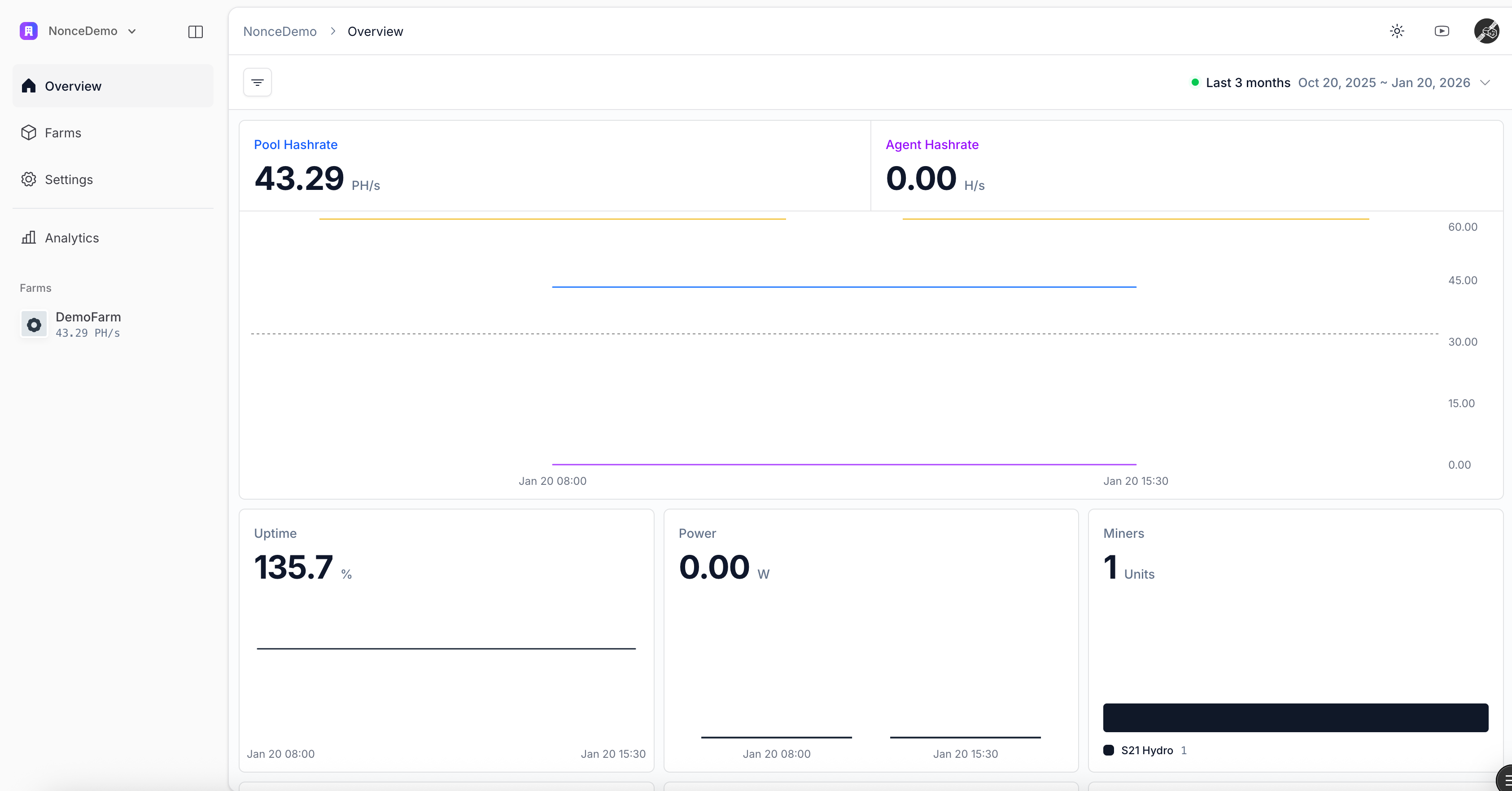
# View Farm Overview
> Review telemetry, miner status, and profitability after setup
After completing the wizard, Nonce begins polling the Agent and backfilling real-time metrics.
* Track hashrate, Efficiency, miner status, and estimated profit in a single view.
* Expand the miner table to immediately address offline devices.
Agent takes 5-20 minutes to complete the first telemetry collection round; dashboard data will populate gradually.
 Continue to [Next Steps](/user-guide/onboarding/next-steps).