> ## Documentation Index
> Fetch the complete documentation index at: https://docs.nonce.app/llms.txt
> Use this file to discover all available pages before exploring further.
# Log in to Nonce
> Sign in to nonce.app to begin onboarding
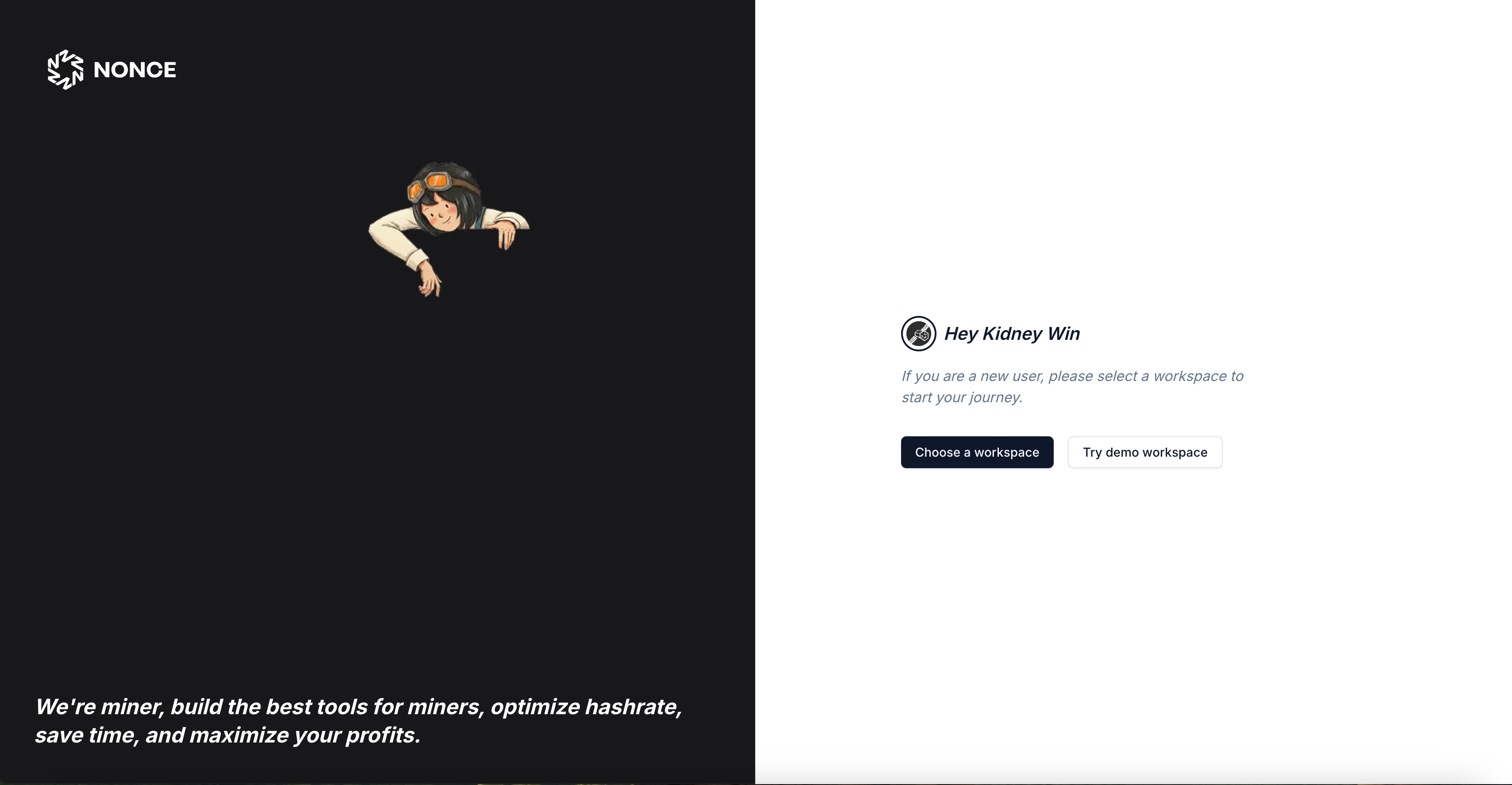
1. Sign in to your account at [nonce.app](https://nonce.app).
 Continue to [Create a Workspace](/user-guide/onboarding/create-a-workspace).