> ## Documentation Index
> Fetch the complete documentation index at: https://docs.nonce.app/llms.txt
> Use this file to discover all available pages before exploring further.
# Miner Model
> Add miner model, quantity, and efficiency values for farm estimation
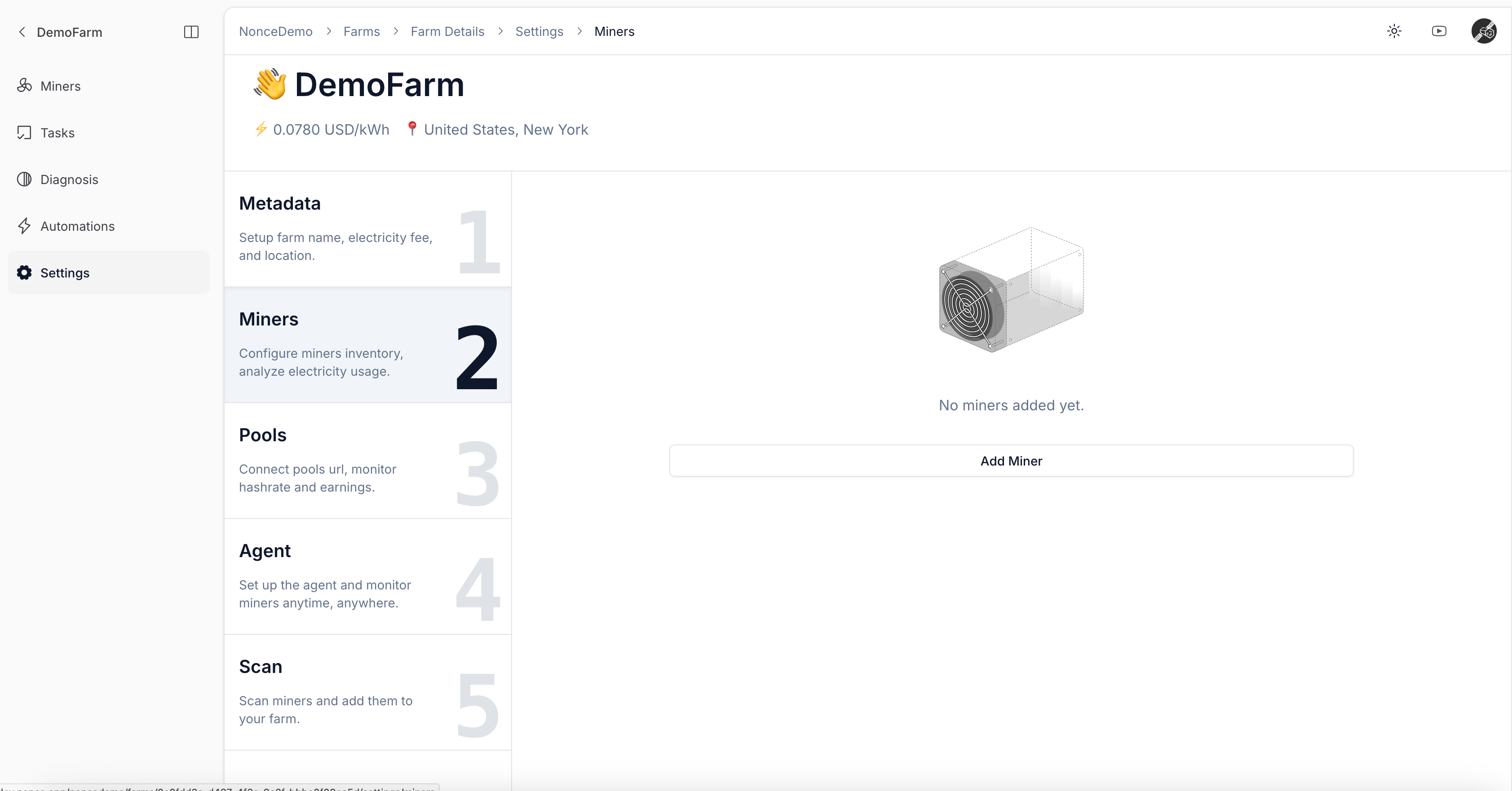
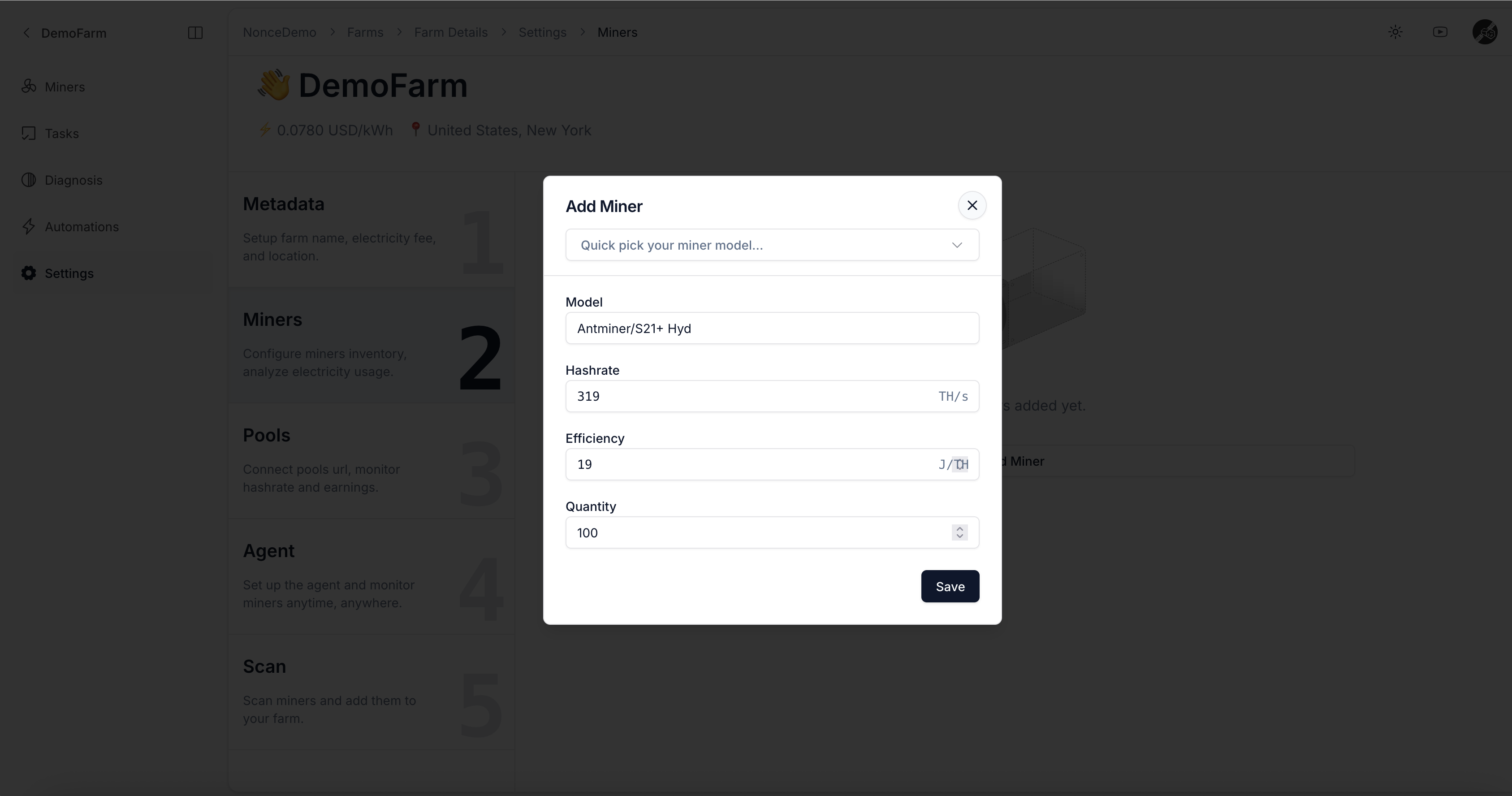
1. Use the dropdown to select the miner model and enter the quantity.
2. Enter the Efficiency value, typically representing power consumption per TH (e.g., Antminer S19 Pro is commonly 34 J/TH).
Entering Quantity helps Nonce estimate total power consumption and hashrate for the farm.
 Continue to [Add Pool Observer Data (Optional)](/user-guide/onboarding/create-farm/pool-observer).