> ## Documentation Index
> Fetch the complete documentation index at: https://docs.nonce.app/llms.txt
> Use this file to discover all available pages before exploring further.
# Create a Workspace
> Create your first workspace to organize farms, miners, and Agents
A workspace contains all farms, miners, and Agents associated with your organization.
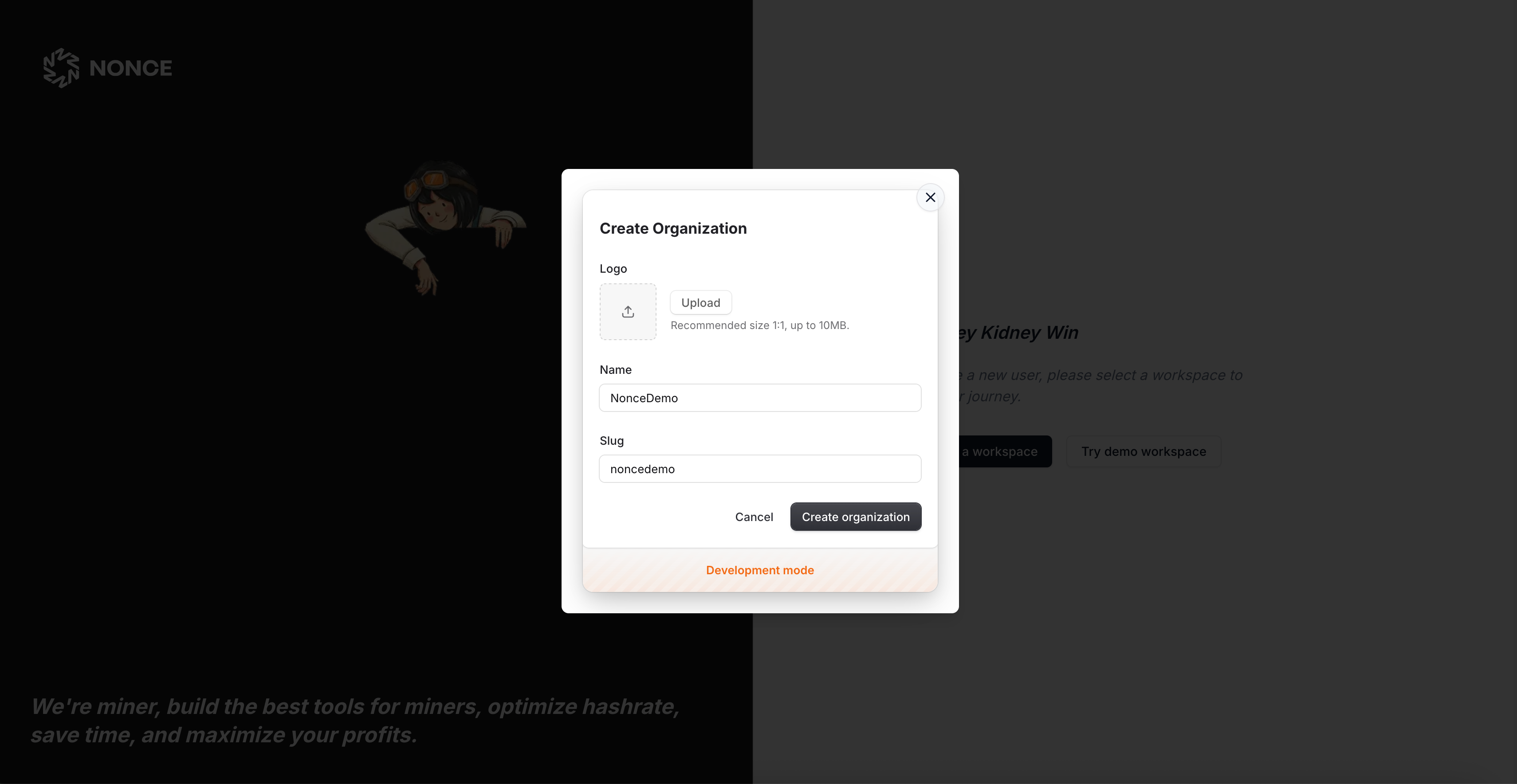
1. Click **Create Workspace** on the landing page, enter a name, and optionally tag the operating region.
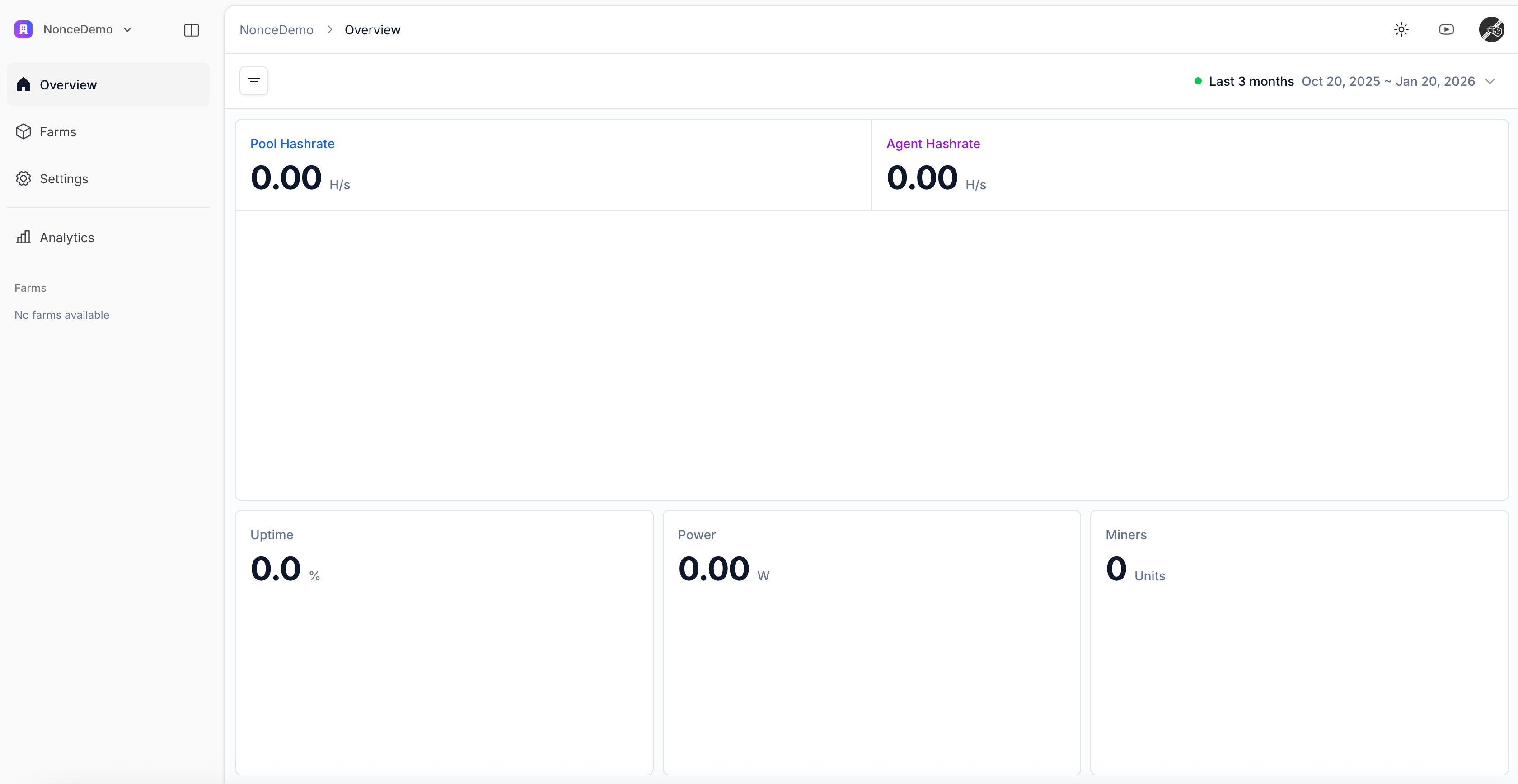
2. After saving, Nonce redirects to an empty workspace overview with a short onboarding checklist.
 Continue to [Create a Farm](/user-guide/onboarding/create-a-farm).