> ## Documentation Index
> Fetch the complete documentation index at: https://docs.nonce.app/llms.txt
> Use this file to discover all available pages before exploring further.
# Create a Farm
> Overview of the farm setup sub-steps in the setup wizard
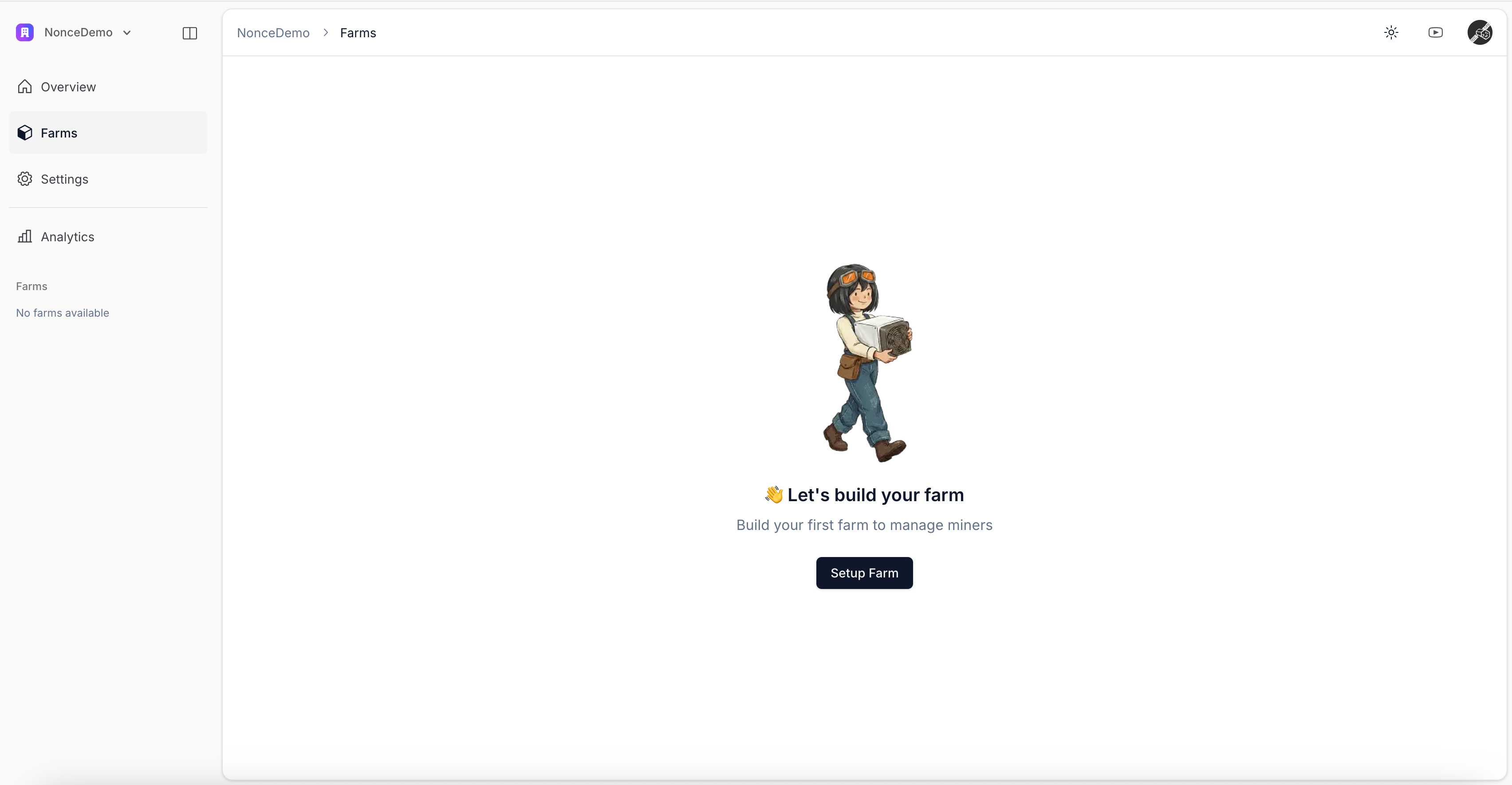
A farm is a logical grouping of miners that share power, network, or geographic location.
Click **Setup Farm** in the **Farms** tab to open the wizard.
 ## Create a Farm Sub-steps
1. [Enter Farm Basic Information](/user-guide/onboarding/create-a-farm-enter-basic-information)
2. [Select Miner Model and Quantity](/user-guide/onboarding/create-a-farm-select-miner-model-and-quantity)
3. [Add Pool Observer Data (Optional)](/user-guide/onboarding/create-a-farm-add-pool-observer-data)
4. [Install Nonce Agent](/user-guide/onboarding/install-nonce-agent)
5. [Scan Network to Discover Miners](/user-guide/onboarding/create-a-farm-scan-network-to-discover-miners)
After completing all sub-steps, continue to [View Farm Overview](/user-guide/onboarding/view-farm-overview).
## Create a Farm Sub-steps
1. [Enter Farm Basic Information](/user-guide/onboarding/create-a-farm-enter-basic-information)
2. [Select Miner Model and Quantity](/user-guide/onboarding/create-a-farm-select-miner-model-and-quantity)
3. [Add Pool Observer Data (Optional)](/user-guide/onboarding/create-a-farm-add-pool-observer-data)
4. [Install Nonce Agent](/user-guide/onboarding/install-nonce-agent)
5. [Scan Network to Discover Miners](/user-guide/onboarding/create-a-farm-scan-network-to-discover-miners)
After completing all sub-steps, continue to [View Farm Overview](/user-guide/onboarding/view-farm-overview).