> ## Documentation Index
> Fetch the complete documentation index at: https://docs.nonce.app/llms.txt
> Use this file to discover all available pages before exploring further.
# Select Miner Model and Quantity
> Add miner model, quantity, and efficiency values for farm estimation
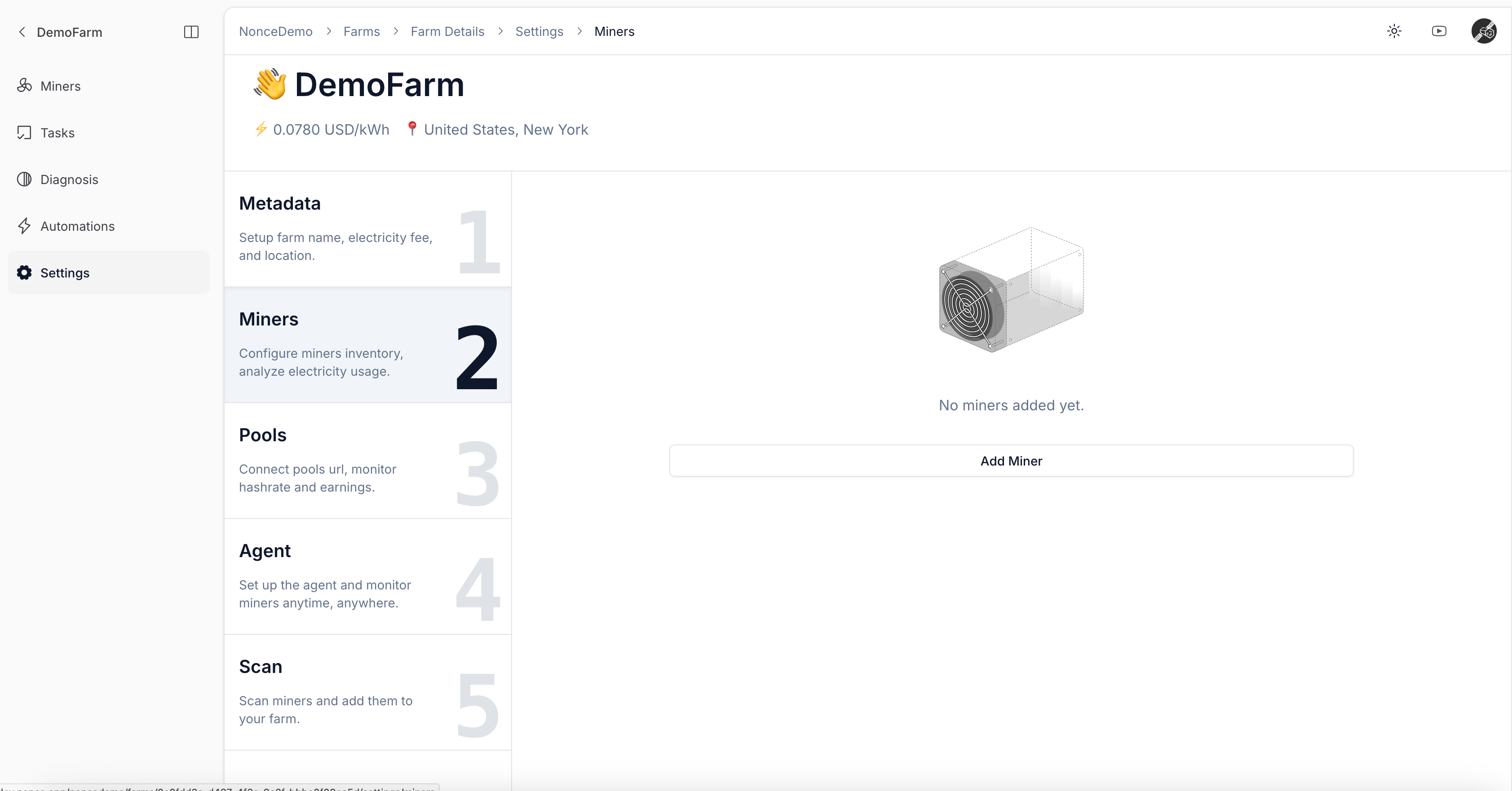
Use this guide while setting up a farm.
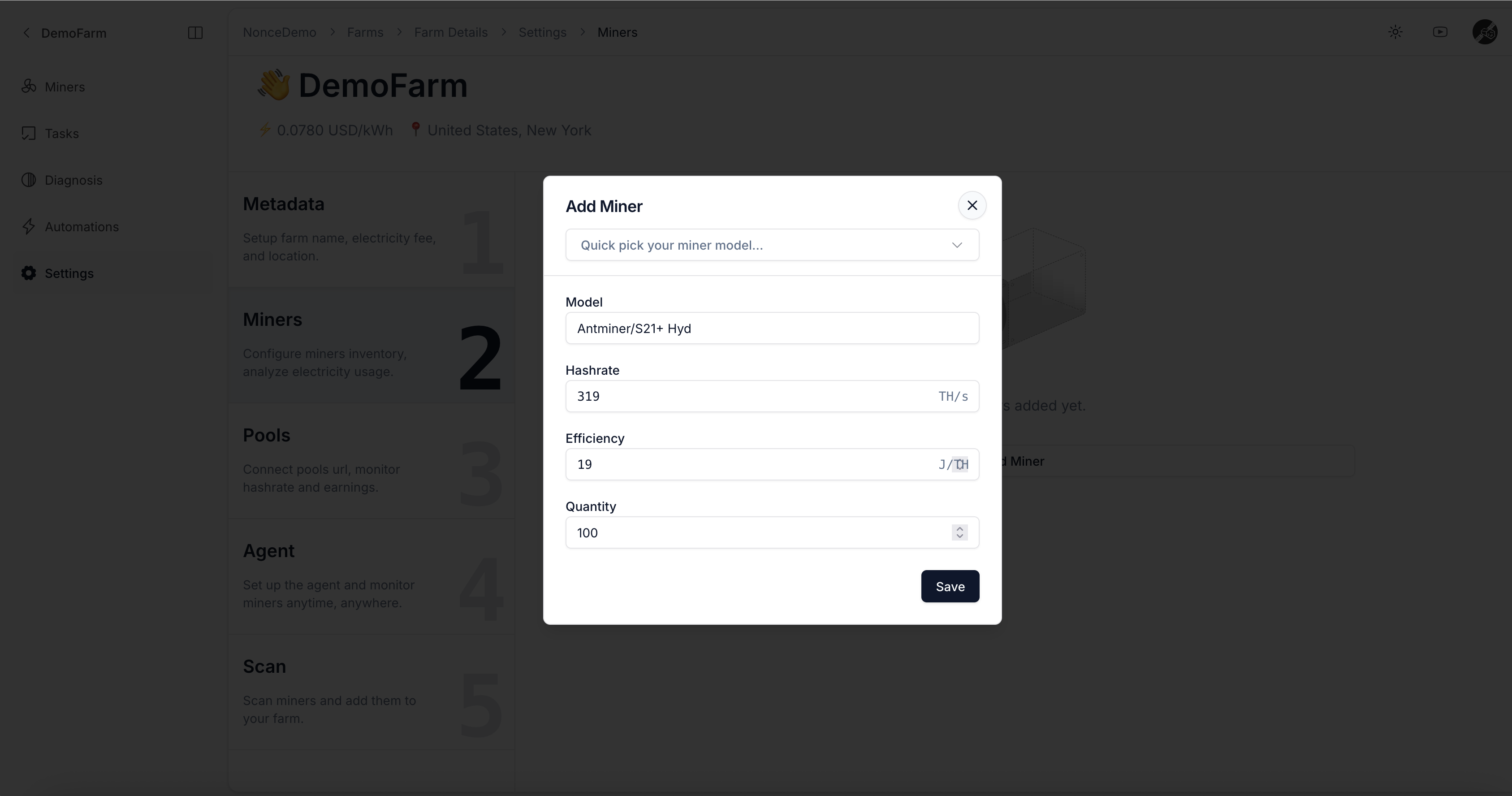
* Use the dropdown to select the miner model and enter the quantity.
* Enter the Efficiency value, typically representing power consumption per TH (e.g., Antminer S19 Pro is commonly 34 J/TH).
Entering Quantity helps Nonce estimate total power consumption and hashrate for the farm.
 Continue to [Add Pool Observer Data (Optional)](/user-guide/onboarding/create-a-farm-add-pool-observer-data).