> ## Documentation Index
> Fetch the complete documentation index at: https://docs.nonce.app/llms.txt
> Use this file to discover all available pages before exploring further.
# Add Pool Observer Data (Optional)
> Configure observer URL and primary pool records for pool-side validation
Use this guide while setting up a farm.
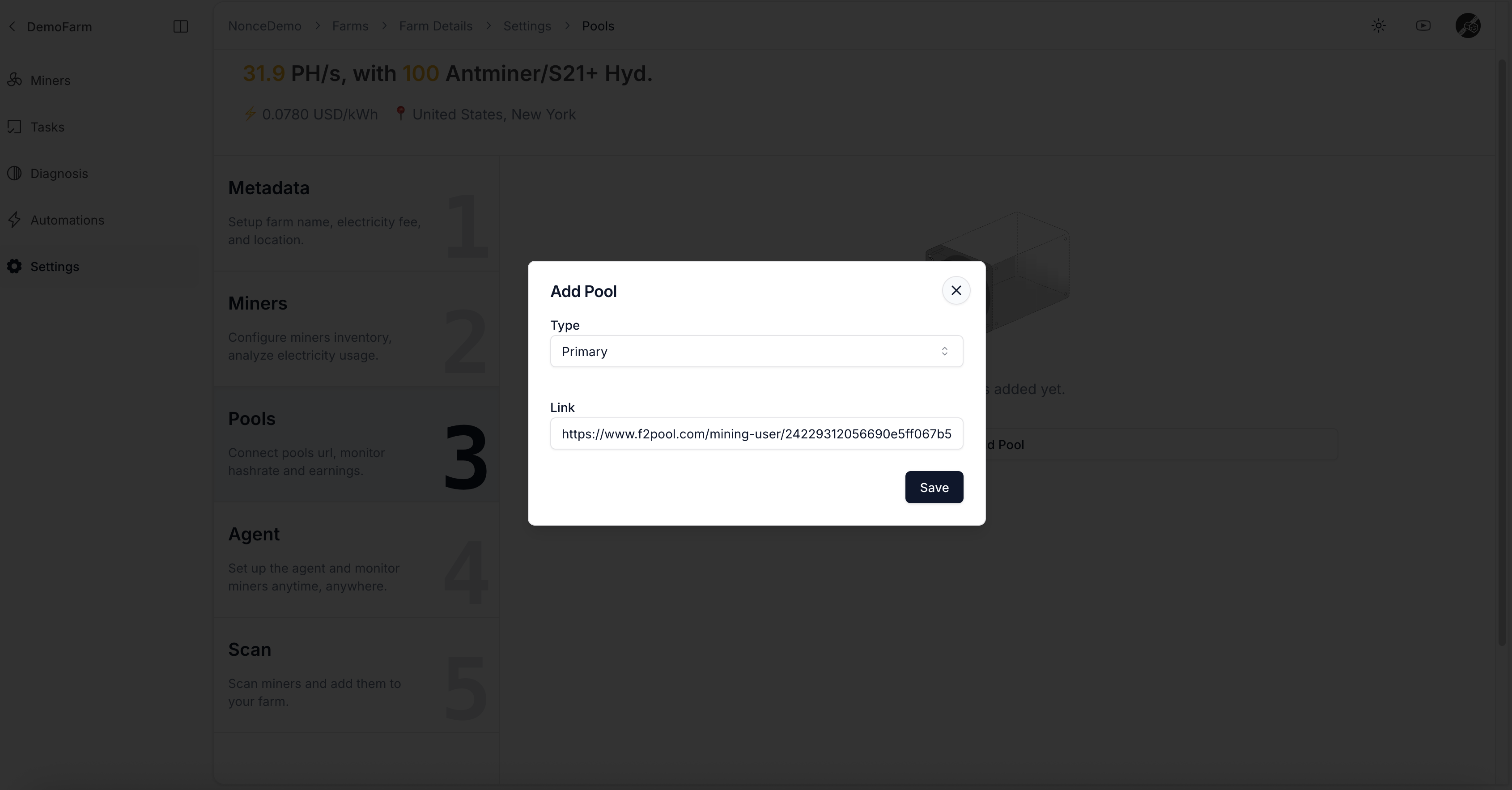
If you provide a pool observer URL, Nonce can cross-reference financial analysis and hashrate uptime against pool-side data.
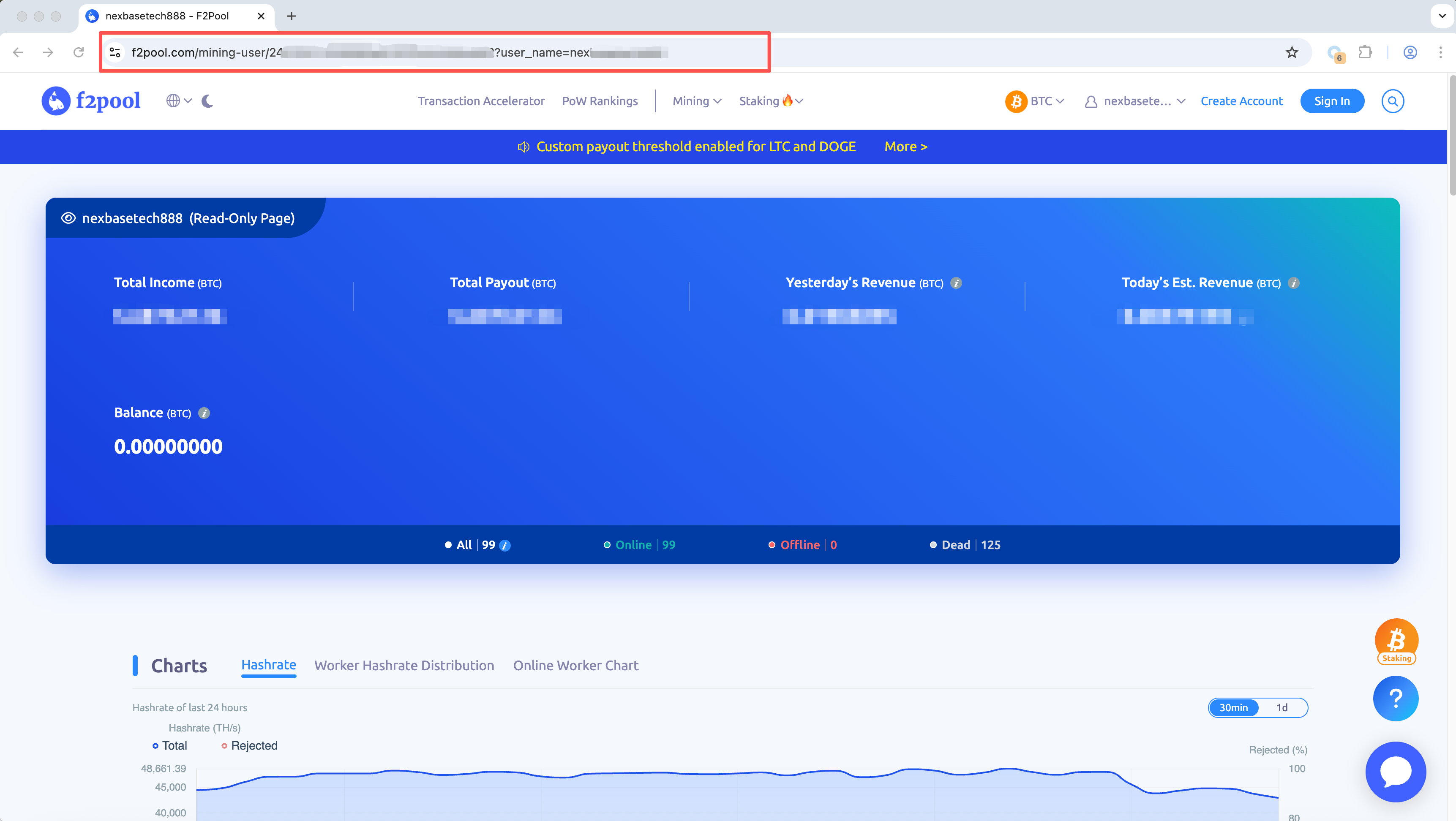
* Paste the observer URL directly into the input field.
* Add at least one primary pool record to ensure all miners report to the expected pool account.
Observer URLs are typically found in your pool's dashboard or documentation.
 Continue to [Install Nonce Agent](/user-guide/onboarding/install-nonce-agent).